
ZenGrove
Built to move. Down to the last leaf.
Built to move. Down to the last leaf.
The ZenGrove 1.0.0 reference: 52 nodes, 907 settings and short WebM demos. Explore Look At asset orientation, GameDynamics, joint previews, skeletal export and per-leaf random vertex colors. Requires AO.Hub 1.6.6 or later.
UV Mapping
Controls how bark textures wrap around branch tubes, including repeats, seams and end-cap UVs.
Branches
Branches
On a Roots path, UV Mapping protects the carried host and maps only the root hierarchy. Continuous V lets Surface Roots align their upper attachment in both U and V with the parent’s actual mesh UVs. Check the attachment with your bark material in the built preview.
Watch the UV Mapping settings tour
Current Maya controls, including conditional settings. Each view stays on screen for one second (three views take three seconds); pause or choose a group to inspect it.
Affect
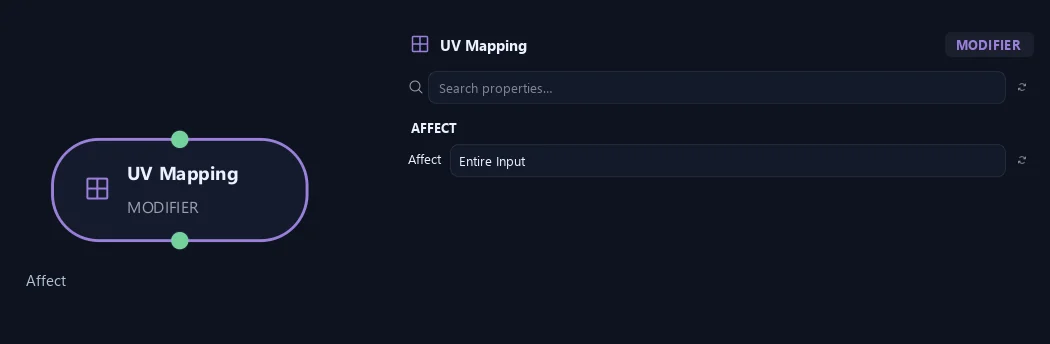
- Affect
Active Branches maps only the latest generator cohort. Entire Input maps every branch on this path. On a Roots path, the carried host is protected and only the root hierarchy is mapped. At Output, a one-sided mapping can be composed onto an otherwise identical parallel branch definition.
Orientation
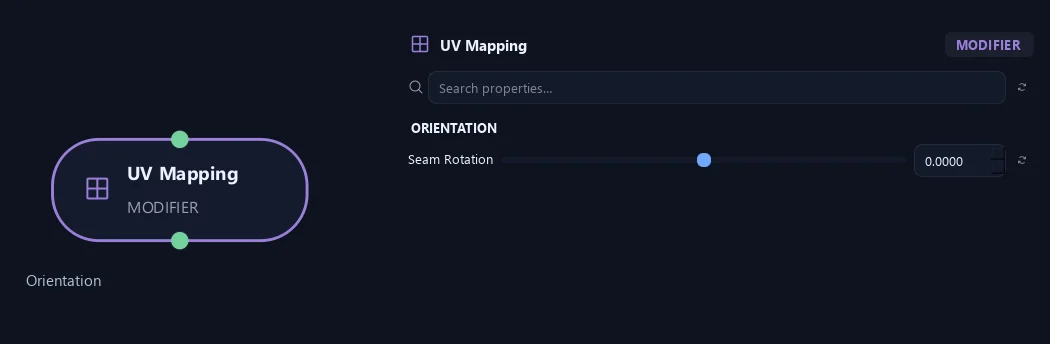
- Seam Rotation
Moves the texture seam around the tube without twisting geometry.
Uv & Textures
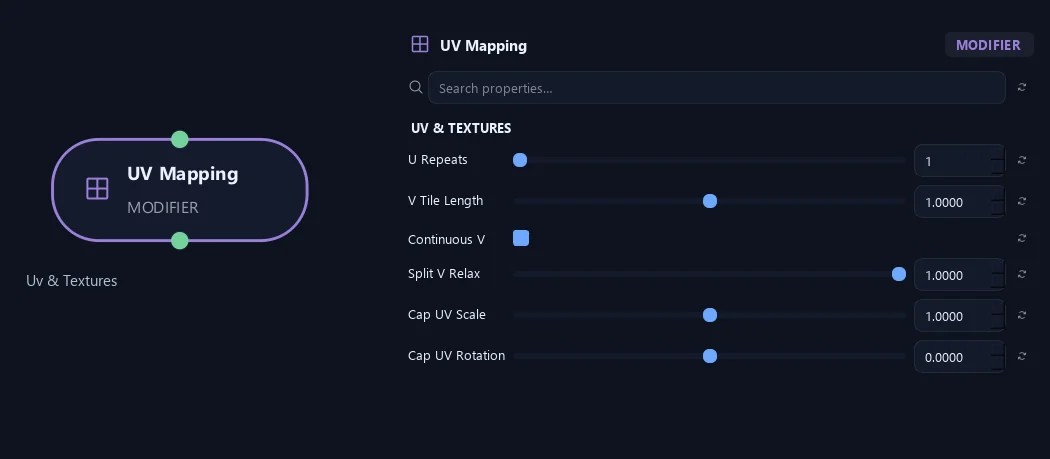
- U Repeats
Sets texture repeats around the branch circumference.
- V Tile Length
Sets branch length covered by one texture repeat. Larger values stretch each repeat farther.
- Continuous V
Continues the parent V coordinate into child branches. Surface Roots also align U and V at their upper attachment with the parent’s actual mesh UVs, helping the bark pattern continue across the attachment.
- Split V Relax
Smooths lengthwise texture stretching inside forks while keeping attachment borders fixed.
- Cap UV Scale
Scales end-cap UV islands.
- Cap UV Rotation
Rotates end-cap textures.
What is ZenGrove used for?
The ZenGrove 1.0.0 reference: 52 nodes, 907 settings and short WebM demos. Explore Look At asset orientation, GameDynamics, joint previews, skeletal export and per-leaf random vertex colors. Requires AO.Hub 1.6.6 or later.
Which host application does ZenGrove support?
ZenGrove is built for Autodesk Maya and is distributed through AO Studio Tools.
Where can I download ZenGrove?
Download the current AO Studio Tools package from https://aostudio.tools/getthetools.html and install it through AO.Hub.