
ZenGrove
Built to move. Down to the last leaf.
Built to move. Down to the last leaf.
The ZenGrove 1.0.0 reference: 52 nodes, 907 settings and short WebM demos. Explore Look At asset orientation, GameDynamics, joint previews, skeletal export and per-leaf random vertex colors. Requires AO.Hub 1.6.6 or later.
Twist
Twists a tube and its attached foliage around the local branch tangent, or deforms the branch around a fixed axis. Limit the effect with Influence Range and Profile.
Branches
Branches
New nodes use Along Branch: each cross section rotates around the local tangent, keeping the centerline, radius and length. It is most visible on flat or oval Cross Sections and on attached foliage. Repeated local Twist nodes add their rotation; Split and Trim retain the corresponding portion.
Degrees is the full-length rotation. Restricting Influence Range to half the branch with profile 1 produces half that rotation. Past the range, the accumulated orientation remains. Degrees Randomness adds an independent plus/minus angle per branch and can produce variation even when Degrees is zero.
Branch uses the fixed starting axis to deform the centerline. World X/Y/Z and Custom use scene axes through the attachment. Old Twist nodes load as Branch with zero randomness to preserve their previous result; choose Along Branch to use the new local twist.
Watch the Twist settings tour
Current Maya controls, including conditional settings. Each view stays on screen for one second (three views take three seconds); pause or choose a group to inspect it.
Affect
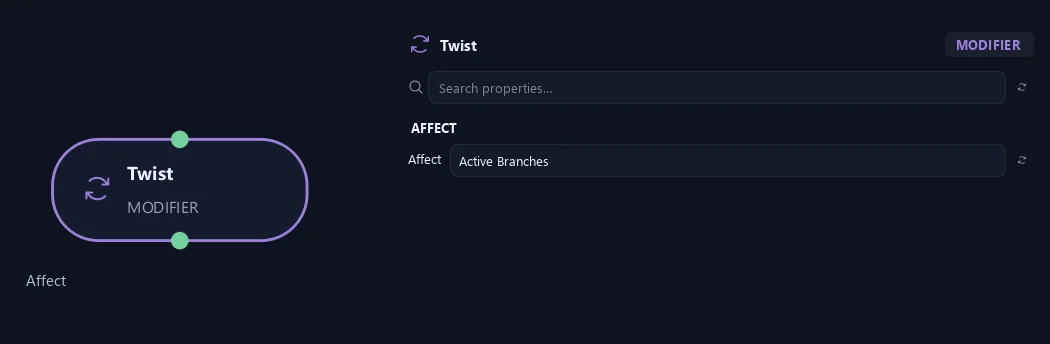
- Affect
Chooses which branches are affected. Active Branches uses the latest generated layer. Active + Descendants also includes growth from that layer. Active Generated Hierarchy additionally includes ancestors created by that same generated contribution. Entire Input uses everything arriving here. Attached children follow a moved parent even when they are not reshaped themselves.
Orientation
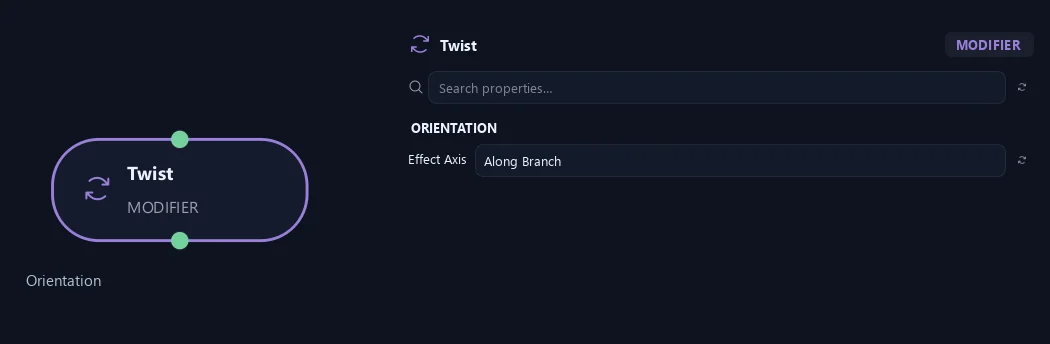
- Effect Axis
Along Branch twists the tube's cross section and attached leaf patterns around the local tangent following every bend, preserving its centerline. Branch Up leaves turn with the branch; World Up retains world alignment. Branch uses the fixed starting axis to deform the centerline; world axes and Custom rotate around a scene axis through each branch base.
Influence
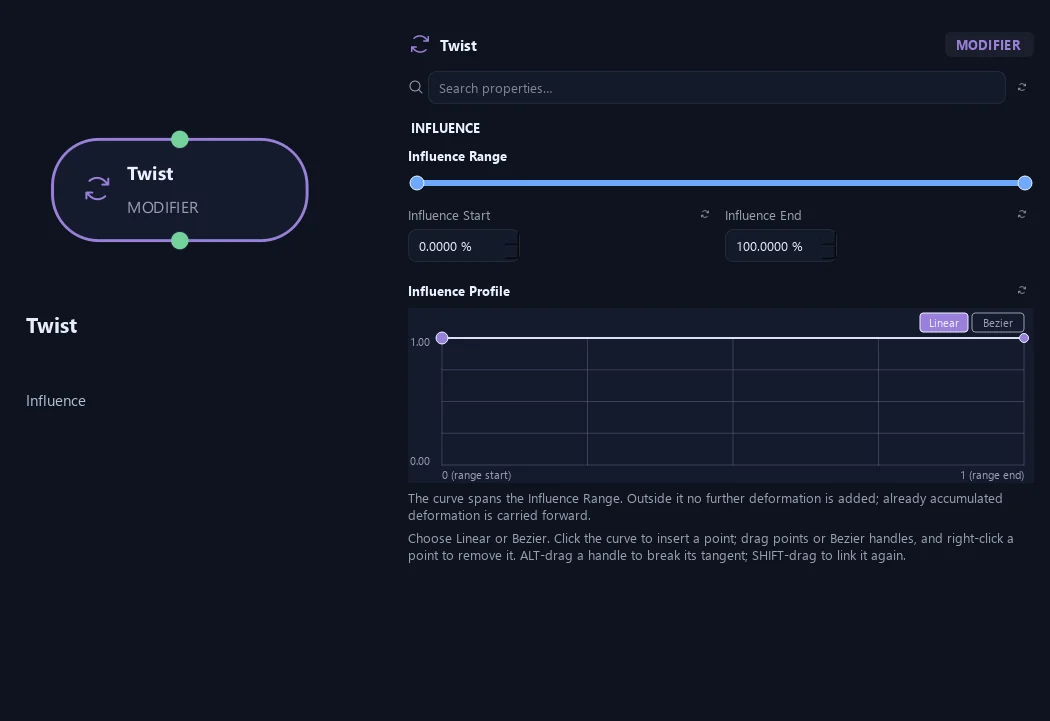
- Influence Range — Influence Start
Start of the effect along each affected branch: base 0, tip 1.
- Influence Range — Influence End
End of the effect. Beyond it no further bending or twisting is added.
- Influence Profile
Local effect strength inside the Influence Range; 0 off, 1 full strength.
Deformation
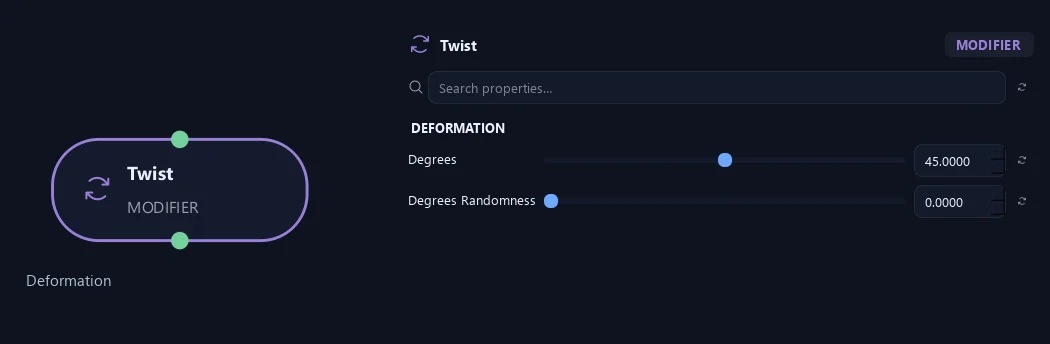
- Degrees
Accumulated twist over a full-strength branch. Negative values reverse the twist; Influence Range and Profile weight the rotation.
- Degrees Randomness
Independent per-branch plus/minus variation in degrees, added to Degrees. Also works when Degrees is zero. Reproducible with Global Seed and Seed Offset.
Advanced
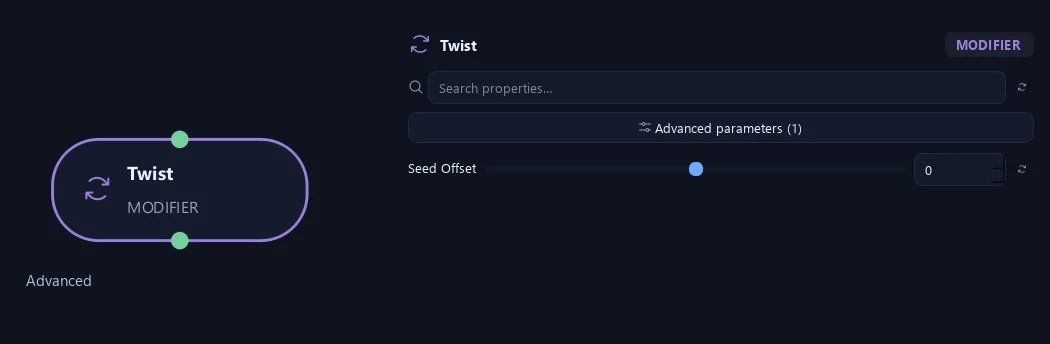
- Seed Offset
Changes this node’s repeatable random variation relative to the tree’s Global Seed. Keep both seeds unchanged to reproduce the same result.
Orientation
Shown example: Effect Axis = Custom.
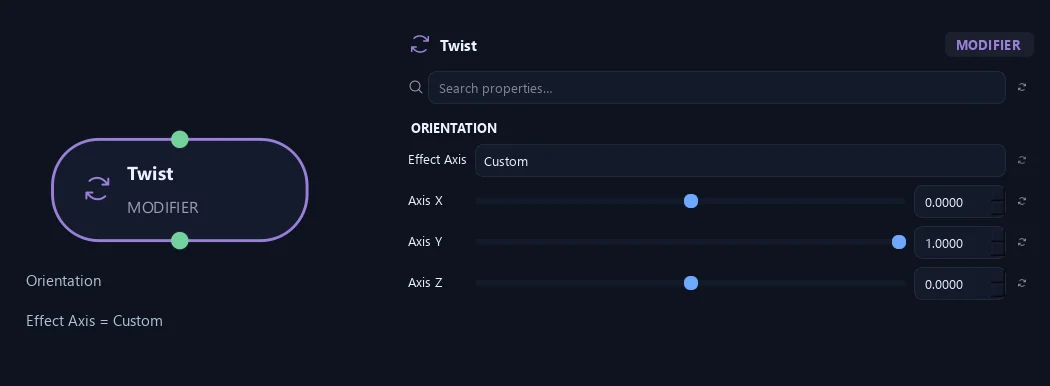
- Effect Axis
Along Branch twists the tube's cross section and attached leaf patterns around the local tangent following every bend, preserving its centerline. Branch Up leaves turn with the branch; World Up retains world alignment. Branch uses the fixed starting axis to deform the centerline; world axes and Custom rotate around a scene axis through each branch base.
- Axis X
Custom axis in world coordinates. The vector is normalized; an all-zero vector falls back to the branch axis.
Available when Effect Axis is Custom.
- Axis Y
Y component of the Custom world-space axis. X, Y and Z form one normalized direction; a zero vector uses the branch axis.
Available when Effect Axis is Custom.
- Axis Z
Z component of the Custom world-space axis. It is available only when Effect Axis is Custom.
Available when Effect Axis is Custom.
What is ZenGrove used for?
The ZenGrove 1.0.0 reference: 52 nodes, 907 settings and short WebM demos. Explore Look At asset orientation, GameDynamics, joint previews, skeletal export and per-leaf random vertex colors. Requires AO.Hub 1.6.6 or later.
Which host application does ZenGrove support?
ZenGrove is built for Autodesk Maya and is distributed through AO Studio Tools.
Where can I download ZenGrove?
Download the current AO Studio Tools package from https://aostudio.tools/getthetools.html and install it through AO.Hub.