
ZenGrove
Built to move. Down to the last leaf.
Built to move. Down to the last leaf.
The ZenGrove 1.0.0 reference: 52 nodes, 907 settings and short WebM demos. Explore Look At asset orientation, GameDynamics, joint previews, skeletal export and per-leaf random vertex colors. Requires AO.Hub 1.6.6 or later.
Tree Materials
Sets bark, cut-end and foliage materials, plus transparency and normal-map choices for delivery.
No input required
Materials
Watch the Tree Materials settings tour
Current Maya controls, including conditional settings. Each view stays on screen for one second (three views take three seconds); pause or choose a group to inspect it.
Setup
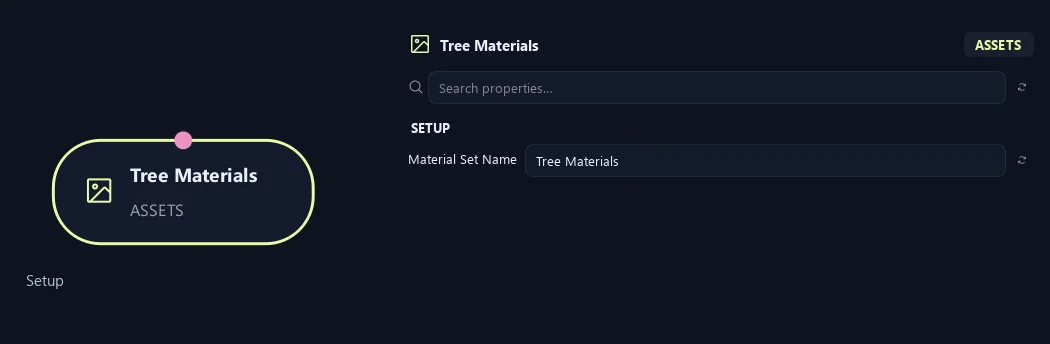
- Material Set Name
Gives this tree, collection or output a recognizable name.
Materials
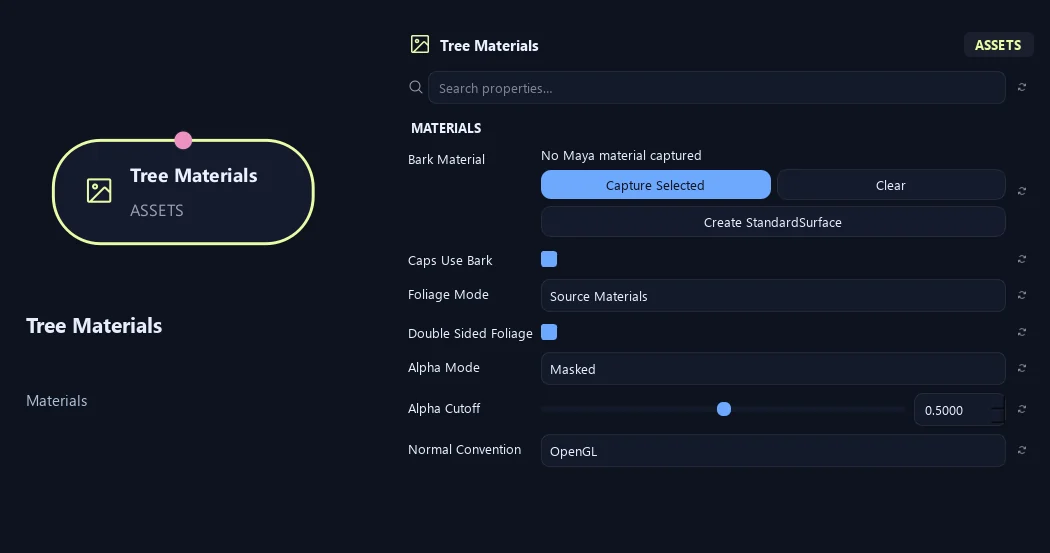
- Bark Material
Assigns bark material. Capture Selected uses your material; Create StandardSurface makes one; Clear removes the assignment.
- Caps Use Bark
Uses bark material on end caps. Turn it off for a separate cut-end material.
- Foliage Mode
Source Materials keeps asset materials. Material Override uses one chosen material. Atlas uses the atlas workflow.
- Double Sided Foliage
Marks foliage as visible from both sides for material/export setup. Match this in the destination shader.
- Alpha Mode
Opaque is solid. Masked cuts away pixels below a threshold. Blend uses gradual transparency.
- Alpha Cutoff
Sets the opacity threshold for Masked mode. Higher values remove more partly transparent edges.
Available when Alpha Mode is Masked.
- Normal Convention
Chooses OpenGL or DirectX normal-map convention. Match the destination shader.
Materials (1)
Shown example: Caps Use Bark = Off.
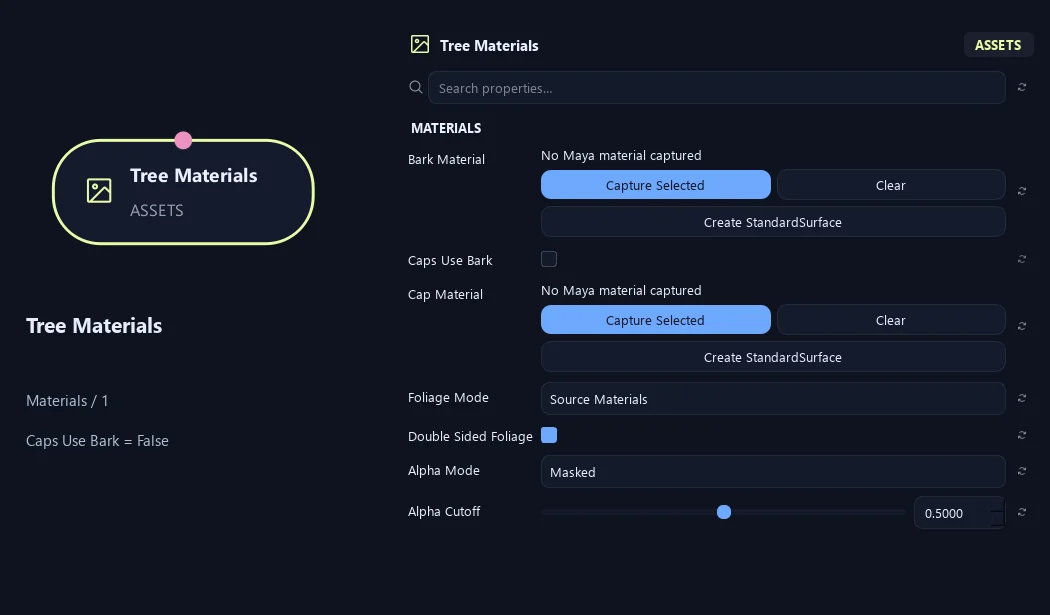
- Bark Material
Assigns bark material. Capture Selected uses your material; Create StandardSurface makes one; Clear removes the assignment.
- Caps Use Bark
Uses bark material on end caps. Turn it off for a separate cut-end material.
- Cap Material
Assigns a separate end-cap material, such as exposed wood.
Available when Caps Use Bark is Off.
- Foliage Mode
Source Materials keeps asset materials. Material Override uses one chosen material. Atlas uses the atlas workflow.
- Double Sided Foliage
Marks foliage as visible from both sides for material/export setup. Match this in the destination shader.
- Alpha Mode
Opaque is solid. Masked cuts away pixels below a threshold. Blend uses gradual transparency.
- Alpha Cutoff
Sets the opacity threshold for Masked mode. Higher values remove more partly transparent edges.
Available when Alpha Mode is Masked.
Materials (2)
Shown example: Caps Use Bark = Off.
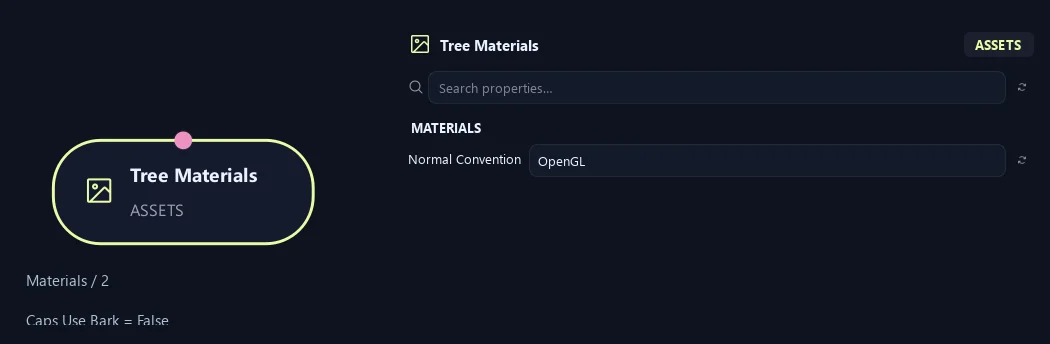
- Normal Convention
Chooses OpenGL or DirectX normal-map convention. Match the destination shader.
Materials (1)
Shown example: Foliage Mode = Material Override.
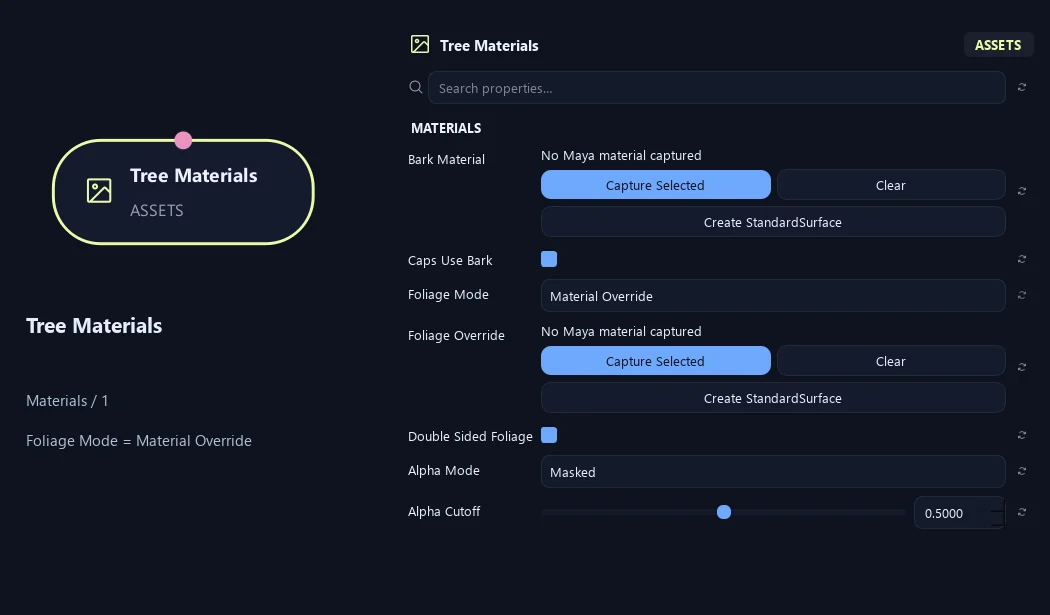
- Bark Material
Assigns bark material. Capture Selected uses your material; Create StandardSurface makes one; Clear removes the assignment.
- Caps Use Bark
Uses bark material on end caps. Turn it off for a separate cut-end material.
- Foliage Mode
Source Materials keeps asset materials. Material Override uses one chosen material. Atlas uses the atlas workflow.
- Foliage Override
Chooses the foliage material in Material Override mode.
Available when Foliage Mode is Material Override.
- Double Sided Foliage
Marks foliage as visible from both sides for material/export setup. Match this in the destination shader.
- Alpha Mode
Opaque is solid. Masked cuts away pixels below a threshold. Blend uses gradual transparency.
- Alpha Cutoff
Sets the opacity threshold for Masked mode. Higher values remove more partly transparent edges.
Available when Alpha Mode is Masked.
Materials (2)
Shown example: Foliage Mode = Material Override.
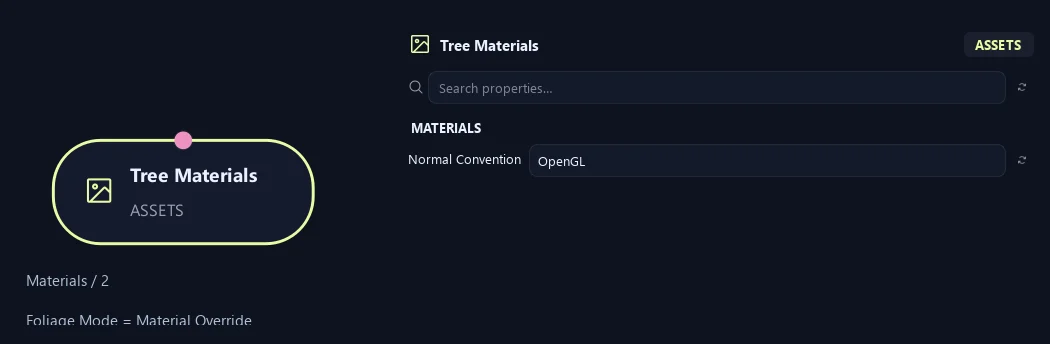
- Normal Convention
Chooses OpenGL or DirectX normal-map convention. Match the destination shader.
What is ZenGrove used for?
The ZenGrove 1.0.0 reference: 52 nodes, 907 settings and short WebM demos. Explore Look At asset orientation, GameDynamics, joint previews, skeletal export and per-leaf random vertex colors. Requires AO.Hub 1.6.6 or later.
Which host application does ZenGrove support?
ZenGrove is built for Autodesk Maya and is distributed through AO Studio Tools.
Where can I download ZenGrove?
Download the current AO Studio Tools package from https://aostudio.tools/getthetools.html and install it through AO.Hub.