
ZenGrove
Built to move. Down to the last leaf.
Built to move. Down to the last leaf.
The ZenGrove 1.0.0 reference: 52 nodes, 907 settings and short WebM demos. Explore Look At asset orientation, GameDynamics, joint previews, skeletal export and per-leaf random vertex colors. Requires AO.Hub 1.6.6 or later.
Spline Segment Growth
Repeats your own mesh segments along captured curves. Each piece follows a span of the guide; the source mesh is not continuously bent along the whole curve.
Curves · Assets
Branches
Watch the Spline Segment Growth settings tour
Current Maya controls, including conditional settings. Each view stays on screen for one second (three views take three seconds); pause or choose a group to inspect it.
Setup
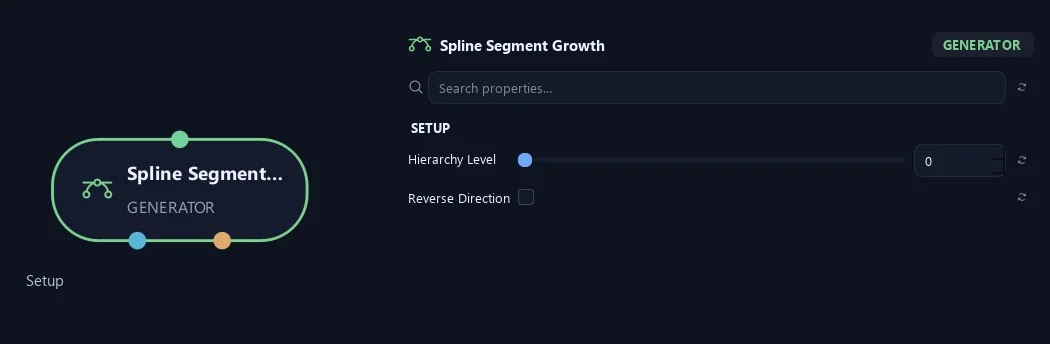
- Hierarchy Level
Sets the guided branches' starting hierarchy level. Zero is the trunk level; higher values represent later branch layers.
- Reverse Direction
Reverses the guide so its opposite end becomes the base.
Orientation
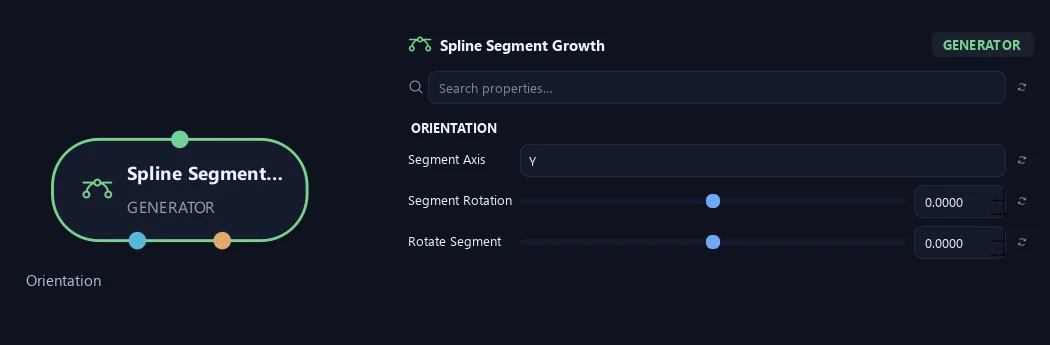
- Segment Axis
Chooses the source mesh's length axis. Mesh bounds define its endpoints.
- Segment Rotation
Rotates all repeated pieces around their length axis.
- Rotate Segment
Adds extra rotation for each successive piece along the guide.
Shape
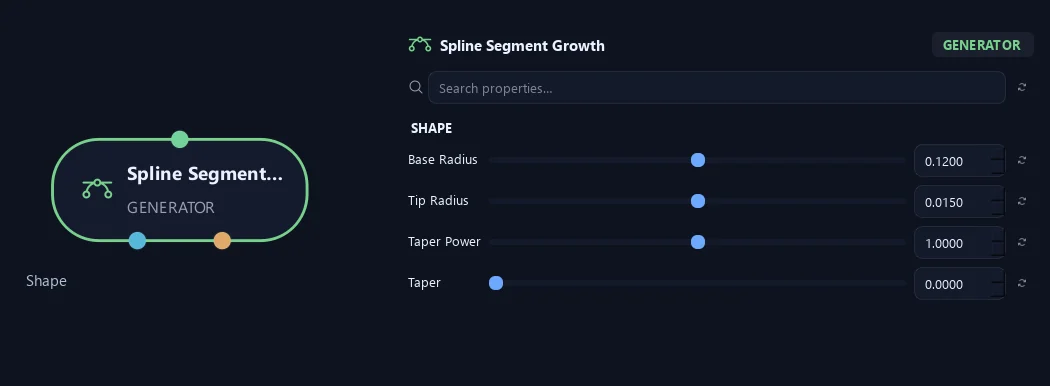
- Base Radius
Sets the radius at the guide's start.
- Tip Radius
Sets the radius at the guide's end.
- Taper Power
Changes how quickly the guide narrows between its base and tip radius. One gives an even transition.
- Taper
Narrows segment geometry around a split. Zero keeps its width; high values leave a thin connection.
Geometry
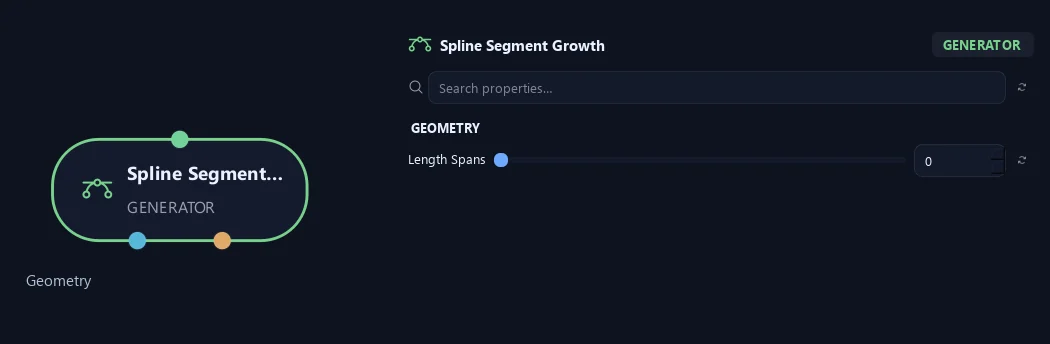
- Length Spans
Sets spans along the guide. Zero keeps captured samples; higher values resample to that many evenly spaced spans.
Advanced
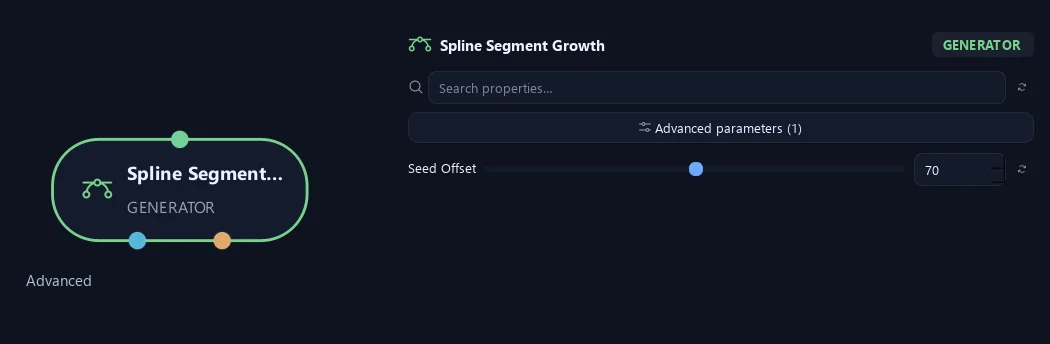
- Seed Offset
Changes this node's random variation. Keep the seed and settings unchanged to reproduce the same result.
What is ZenGrove used for?
The ZenGrove 1.0.0 reference: 52 nodes, 907 settings and short WebM demos. Explore Look At asset orientation, GameDynamics, joint previews, skeletal export and per-leaf random vertex colors. Requires AO.Hub 1.6.6 or later.
Which host application does ZenGrove support?
ZenGrove is built for Autodesk Maya and is distributed through AO Studio Tools.
Where can I download ZenGrove?
Download the current AO Studio Tools package from https://aostudio.tools/getthetools.html and install it through AO.Hub.