
ZenGrove
Built to move. Down to the last leaf.
Built to move. Down to the last leaf.
The ZenGrove 1.0.0 reference: 52 nodes, 907 settings and short WebM demos. Explore Look At asset orientation, GameDynamics, joint previews, skeletal export and per-leaf random vertex colors. Requires AO.Hub 1.6.6 or later.
Roots
Grows roots on selected procedural hosts with surface collars, directional trunk flare and ground following. Control placement, size profiles and how each root meets its host.
Branches
Branches
Active Input grows roots on the active incoming stems or branches. All Generated Elements includes every procedural host in every tree instance. Count applies to each host independently. Roots uses Count placement; Distribution Profile and Minimum Site Distance control where sites can remain.
Surface Attachment uses a skin collar and bounded directional flare. Embedded keeps the earlier embedded construction. Collar Spread widens the footprint, Surface Embed keeps the open root base inside its host, and the Flare controls shape the surrounding trunk base. Base Flattening broadens the root near its origin and fades along its length.
Ground Follow eases roots onto a plane relative to each host base. Ground Offset sets that plane’s height; Ground Sink uses the local root radius; Ground Transition sets the easing length. For uneven terrain or rocks, put Collision with Surface Attraction afterward.
Roots can attach to procedural trunks and branches. Direct attachment to an imported Mesh Trunk remains unsupported; generate procedural branches from that trunk first. Cross Section after Roots can override root flattening. Collars use existing rings, so coarse resolution also makes coarse transitions.
On a Roots path, UV Mapping protects the carried host and maps only the root hierarchy. Continuous V lets Surface Roots align their upper attachment in both U and V with the parent’s actual mesh UVs. Check the attachment with your bark material in the built preview.
Watch the Roots settings tour
Current Maya controls, including conditional settings. Each view stays on screen for one second (three views take three seconds); pause or choose a group to inspect it.
Setup
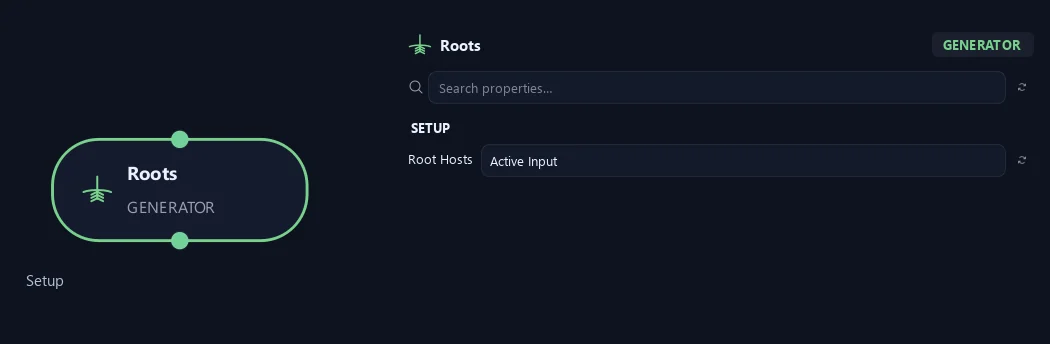
- Root Hosts
Active Input grows roots on each selected stem/branch/twig. All Generated Elements includes every procedural host in every tree instance. Count applies independently per host.
Generation
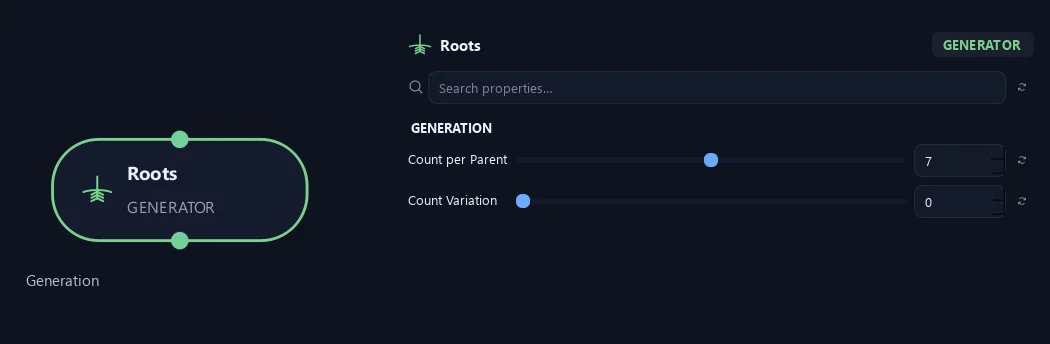
- Count per Parent
Sets new growth per parent. Random, Parallel and Alternating count individual children. Opposite counts sites with two children each; Whorled counts sites with Whorl Count children each. Count 8 and Whorl Count 3 produce 24 children before any split-range allocation.
- Count Variation
Seeded integer variation: Count per Parent plus or minus this value, clamped at zero. Opposite/Whorled vary sites; Split retains proportional allocation.
Distribution (1)
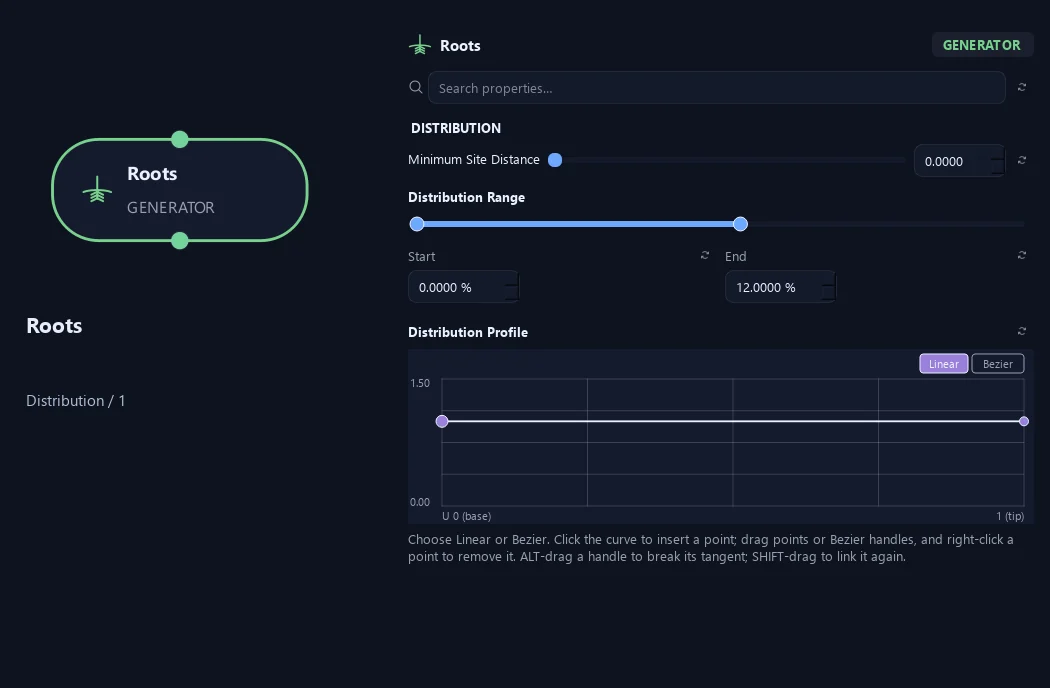
- Minimum Site Distance
Minimum arc-length distance between sites. Crowded sites are skipped as whole pairs/whorls; final count may be lower.
- Distribution Range — Start %
Sets where placement begins on the parent. Zero is the base and one is the tip; the range slider displays percentages.
- Distribution Range — End %
Sets where placement ends. Together with Start, this defines the Distribution Range.
- Distribution Profile
Spawn density along the parent base (0) to tip (1), restricted to Start/End. Preserves count and paired sites. Flat or all-zero curves retain existing placement.
Distribution (2)
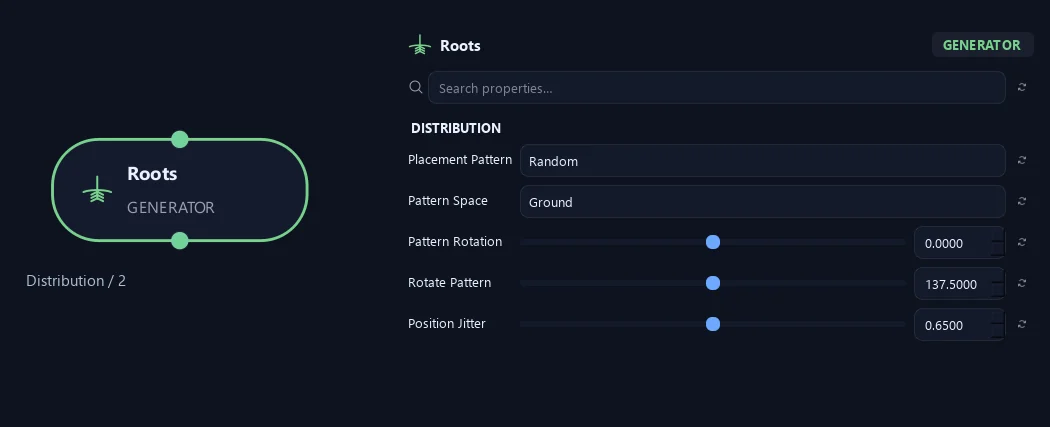
- Placement Pattern
Random distributes freely. Parallel pairs a total child count. Alternating switches sides along the parent. Opposite creates two children per site. Whorled creates a ring of children per site.
- Pattern Space
Ground aligns the pattern to the horizontal world plane. Parent turns it with the branch. Opposite and Whorled always follow the parent.
Available when Placement Pattern is Random or Parallel or Alternating.
- Pattern Rotation
Rotate the arrangement around each current local parent tangent before world-space Up / Down, Up Influence and Shape Sag. Rotate Pattern controls successive sites.
- Rotate Pattern
Rotates each successive site around the parent. With Opposite, zero aligns pairs and 90 degrees crosses each pair over the previous one.
- Position Jitter
Loosens spacing along the parent while keeping paired sites together.
Orientation
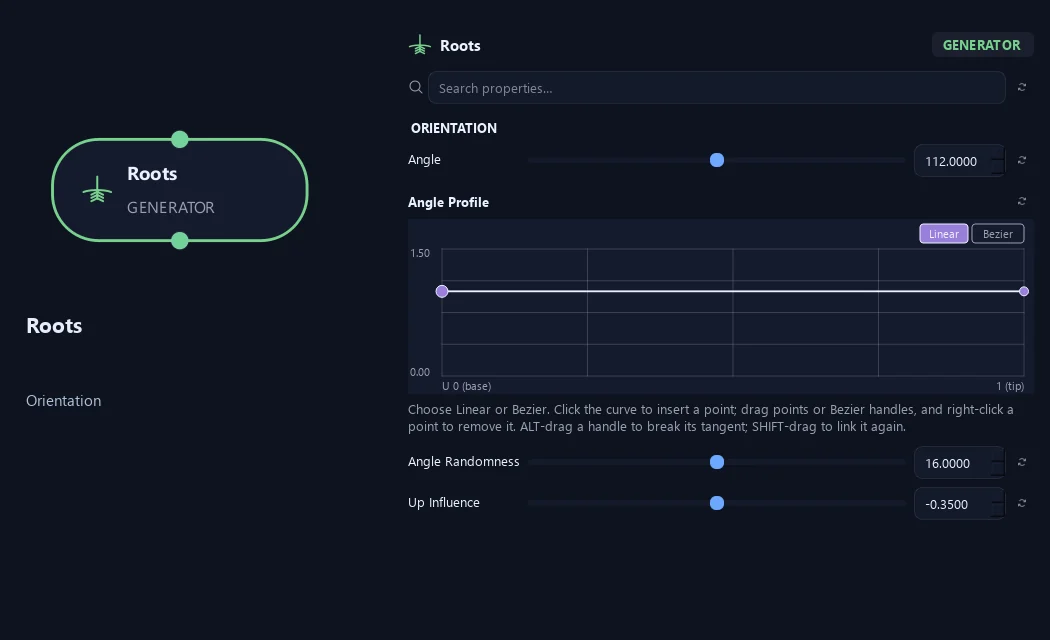
- Angle
Sets the angle away from the parent direction. Small values follow it; larger values open the growth outward.
- Angle Profile
Multiply Angle by attachment position on the parent: 0 is its base, 1 its tip. Angle Randomness is added afterward. Flat 1 preserves the configured angle.
- Angle Randomness
Varies the angle between branches or leaves. Zero keeps it consistent.
- Up Influence
Bias growth toward world +Y, independent of Pattern Rotation. Negative values bias toward -Y. Surface attachments bend along the path; embedded attachments adjust the initial growth direction.
Shape (1)
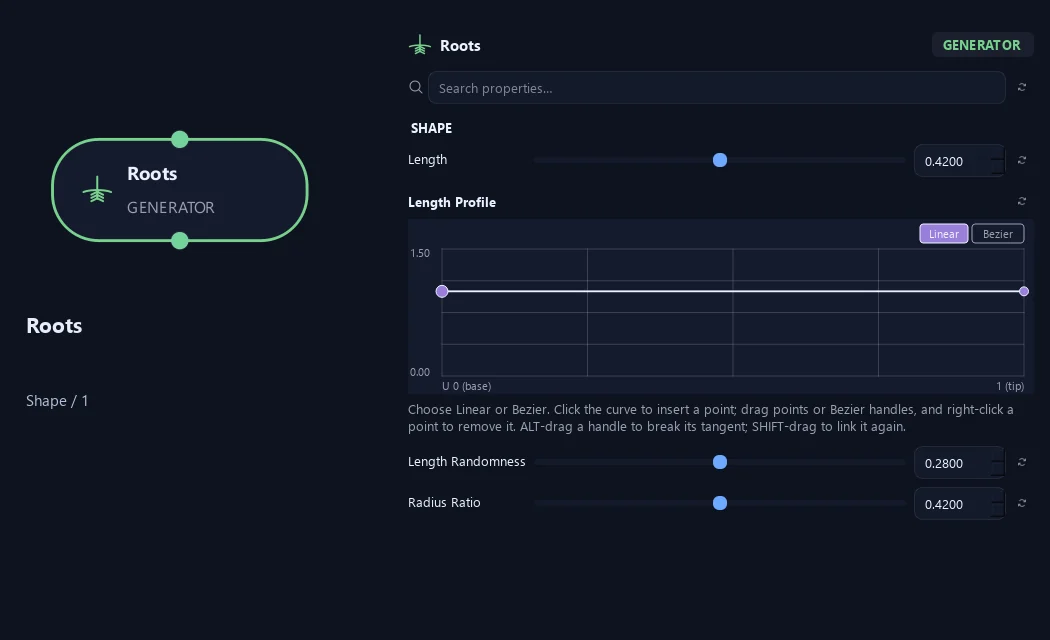
- Length
Sets child length relative to parent length. For example, 0.5 starts at half the parent length, before profiles and randomness.
- Length Profile
Multiply Length by attachment position on the parent: 0 is its base, 1 its tip. Length Randomness is applied afterward. Flat 1 preserves the configured length.
- Length Randomness
Varies length between branches. Zero keeps lengths consistent.
- Radius Ratio
Sets child base radius relative to parent radius at the attachment.
Shape (2)
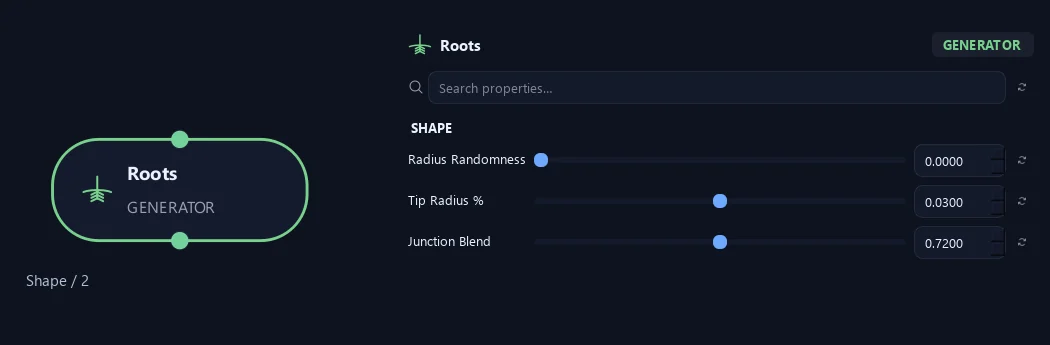
- Radius Randomness
Independent per-child radius variation. Does not change length, angle or placement.
- Tip Radius %
Sets tip radius as a fraction of child base radius. For example, 0.08 leaves 8% at the tip.
- Junction Blend
Softens the change in direction and thickness at the parent connection. Zero makes a harder junction.
Root Collar (1)
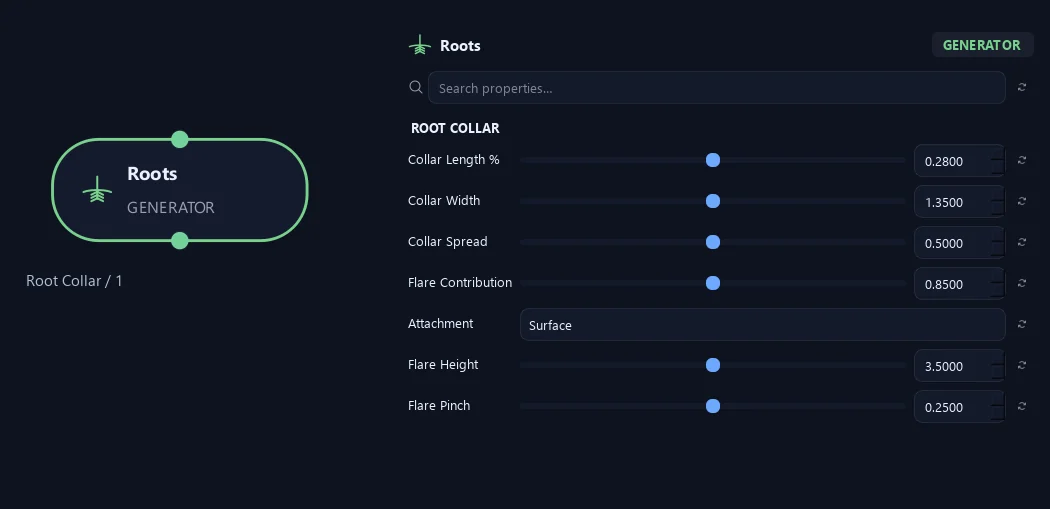
- Collar Length %
Sets the fraction of the root used for the trunk transition.
- Collar Width
Widens the embedded root base, fading back to the chosen root thickness.
- Collar Spread
Width of the root surface attachment and its directional buttress at the host base.
- Flare Contribution
Maximum directional flare strength at the host base. Overlapping surface roots do not add their flare heights together.
- Attachment
Surface uses a skin collar and bounded base flare. Embedded preserves the original embedded root construction for older graphs.
- Flare Height
Height of the trunk flare in local parent radii.
- Flare Pinch
Narrow the directional buttresses and deepen the valleys between roots.
Root Collar (2)
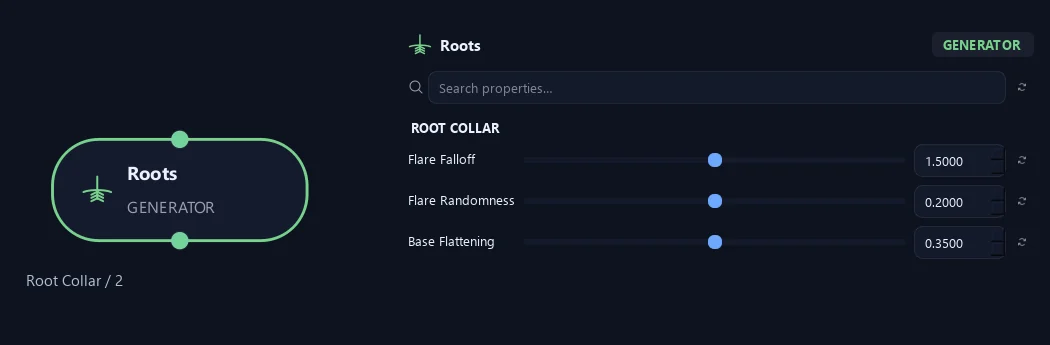
- Flare Falloff
How quickly the flare fades into the original trunk radius.
- Flare Randomness
Seeded variation of flare strength per root.
- Base Flattening
Broaden and flatten the root base, fading to its round section along the root. Cross Section downstream can override this shape.
Ground
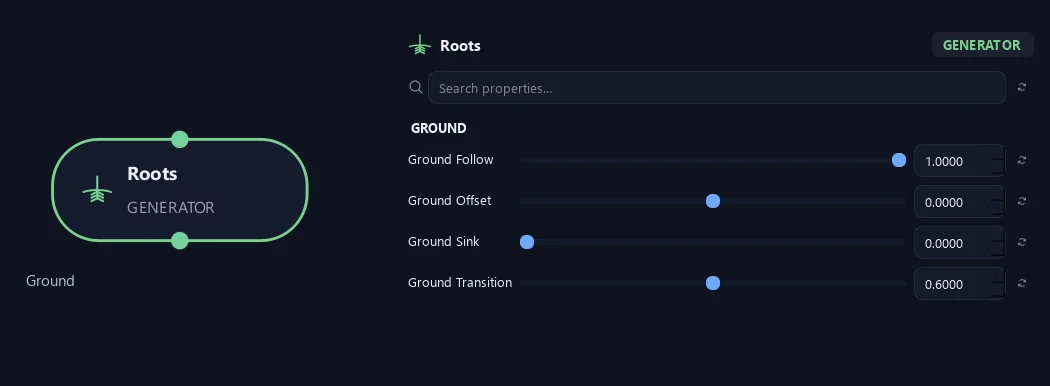
- Ground Follow
Ease roots onto the ground plane. Use Collision with Surface Attraction afterwards to follow terrain or rocks.
- Ground Offset
Ground plane height relative to this parent base, in scene units.
Available when Ground Follow is greater than 0.
- Ground Sink
Depth of the root centre below the ground plane, measured in the local root radius. Zero places the centre on the plane.
Available when Ground Follow is greater than 0.
- Ground Transition
Fraction of the root used to ease into the ground plane.
Available when Ground Follow is greater than 0.
Deformation
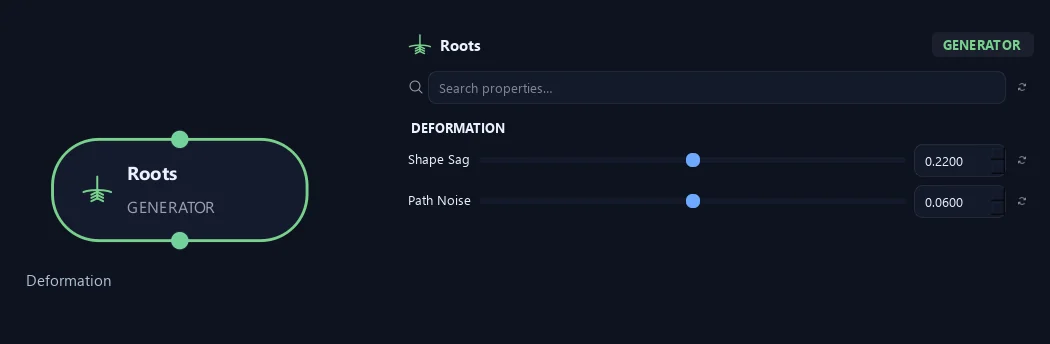
- Shape Sag
Quadratic shape offset toward world -Y during child construction, independent of Pattern Rotation. Negative values lift toward +Y. Does not contribute a growth Force.
- Path Noise
Adds small irregular bends to the generated path.
Scale
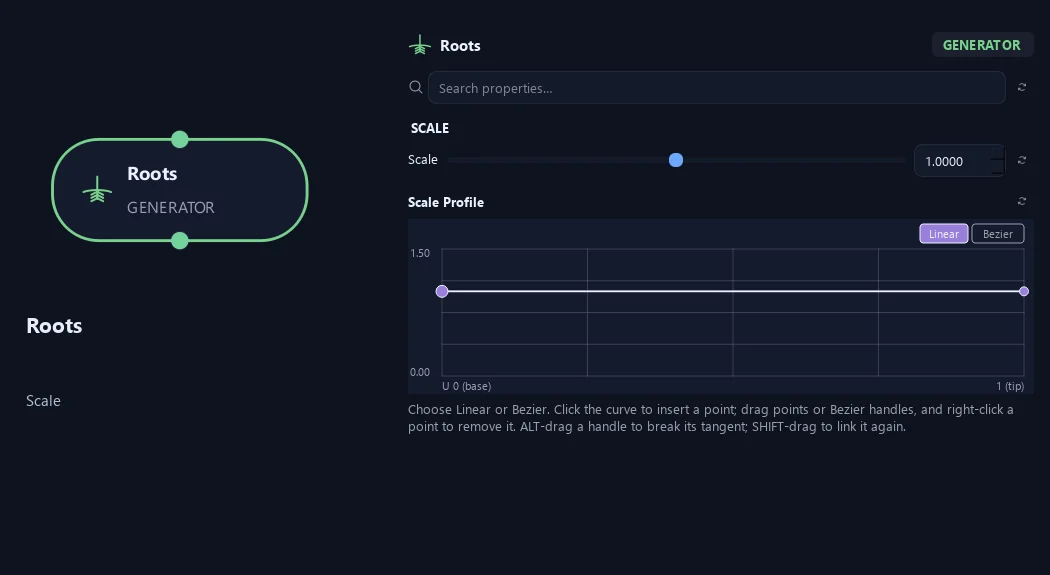
- Scale
Uniform generated-child length and radius multiplier about its attachment. Placement and Angle stay unchanged; minimum length/radius safety still applies. Twigs also retain Start/End Scale.
- Scale Profile
Multiply existing child length and radius scale at parent attachment U. Flat 1 preserves Scale and Twig Start/End Scale; geometry safety minima still apply.
Geometry
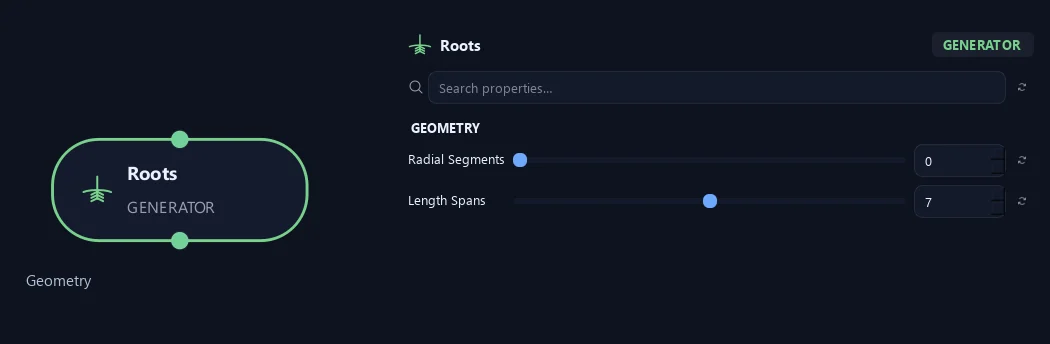
- Radial Segments
Sets sides around the branch tube. More sides look rounder. Where zero is available, it inherits Output.
- Length Spans
Number of centerline spans along each generated branch. Ordinary attachments reuse these rings and do not add support loops to their parent.
Advanced
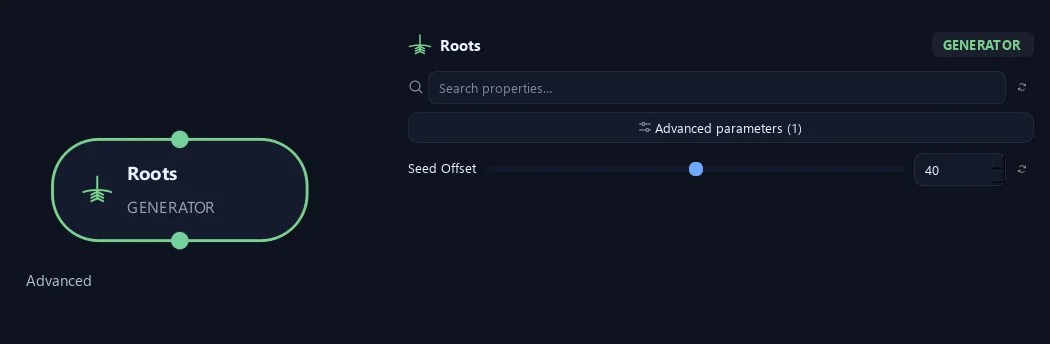
- Seed Offset
Changes this node's random variation. Keep the seed and settings unchanged to reproduce the same result.
Distribution (1)
Shown example: Placement Pattern = Whorled.
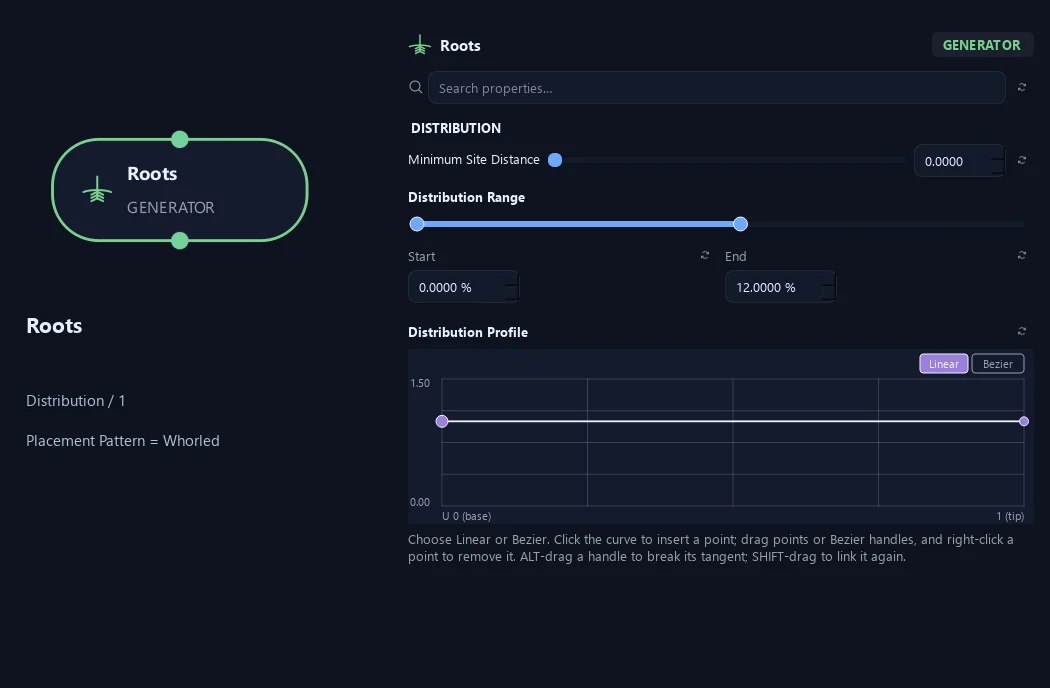
- Minimum Site Distance
Minimum arc-length distance between sites. Crowded sites are skipped as whole pairs/whorls; final count may be lower.
- Distribution Range — Start %
Sets where placement begins on the parent. Zero is the base and one is the tip; the range slider displays percentages.
- Distribution Range — End %
Sets where placement ends. Together with Start, this defines the Distribution Range.
- Distribution Profile
Spawn density along the parent base (0) to tip (1), restricted to Start/End. Preserves count and paired sites. Flat or all-zero curves retain existing placement.
Distribution (2)
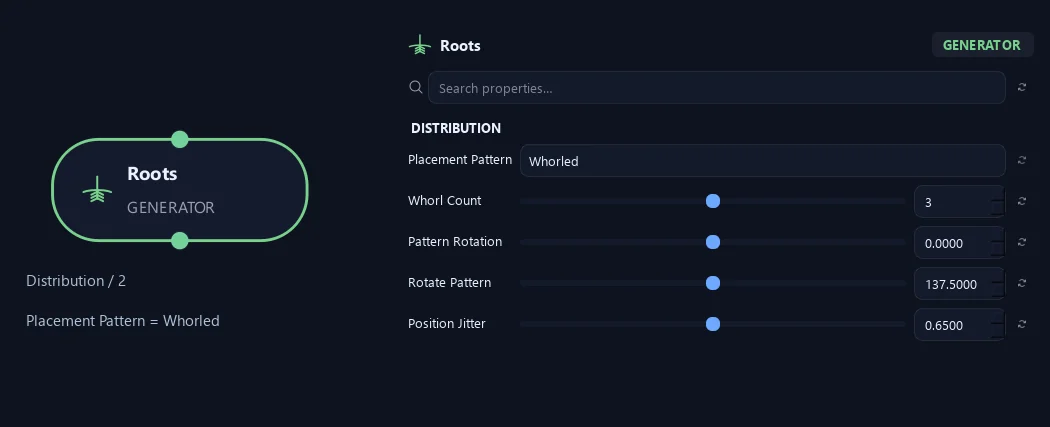
Shown example: Placement Pattern = Whorled.
- Placement Pattern
Random distributes freely. Parallel pairs a total child count. Alternating switches sides along the parent. Opposite creates two children per site. Whorled creates a ring of children per site.
- Whorl Count
Sets children per site in Whorled mode. Opposite always uses two.
Available when Placement Pattern is Whorled.
- Pattern Rotation
Rotate the arrangement around each current local parent tangent before world-space Up / Down, Up Influence and Shape Sag. Rotate Pattern controls successive sites.
- Rotate Pattern
Rotates each successive site around the parent. With Opposite, zero aligns pairs and 90 degrees crosses each pair over the previous one.
- Position Jitter
Loosens spacing along the parent while keeping paired sites together.
Root Collar (1)
Shown example: Attachment = Embedded.
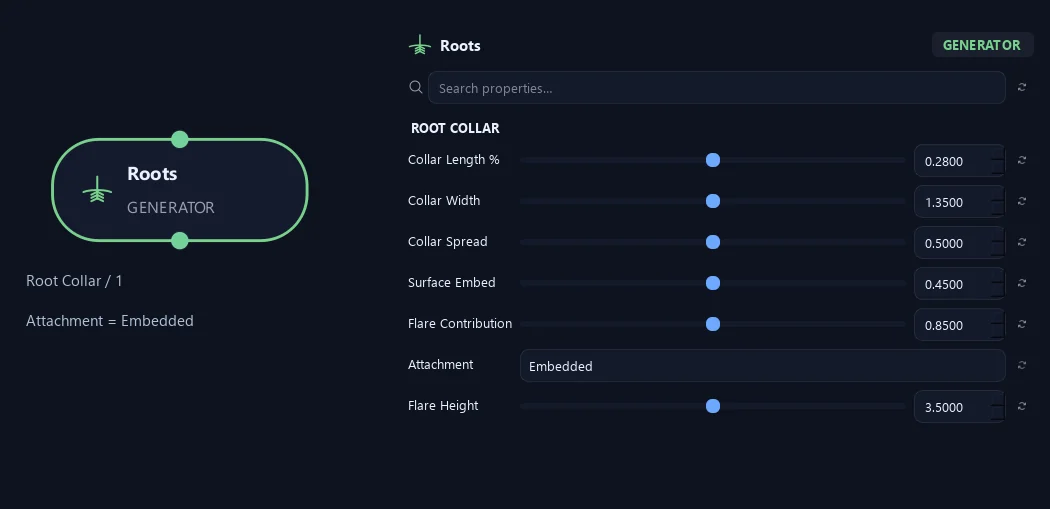
- Collar Length %
Sets the fraction of the root used for the trunk transition.
- Collar Width
Widens the embedded root base, fading back to the chosen root thickness.
- Collar Spread
Width of the root surface attachment and its directional buttress at the host base.
- Surface Embed
Keeps the open root base inside the trunk collar instead of floating on its surface.
Available when Attachment is Embedded.
- Flare Contribution
Maximum directional flare strength at the host base. Overlapping surface roots do not add their flare heights together.
- Attachment
Surface uses a skin collar and bounded base flare. Embedded preserves the original embedded root construction for older graphs.
- Flare Height
Height of the trunk flare in local parent radii.
Root Collar (2)
Shown example: Attachment = Embedded.
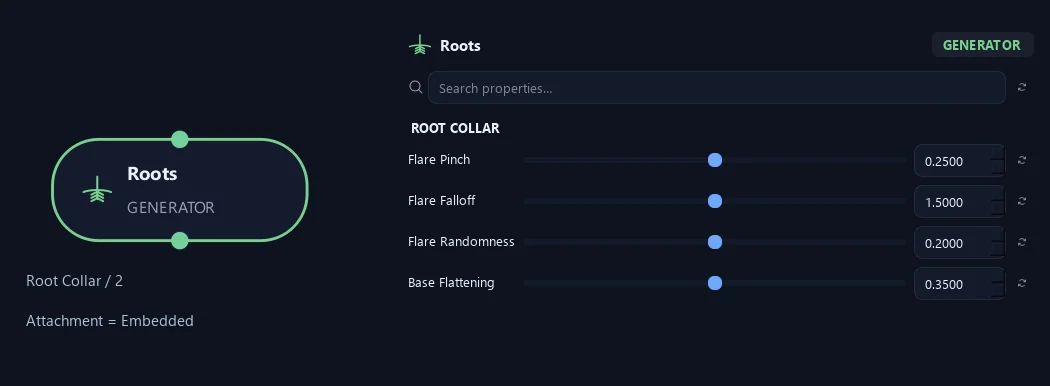
- Flare Pinch
Narrow the directional buttresses and deepen the valleys between roots.
- Flare Falloff
How quickly the flare fades into the original trunk radius.
- Flare Randomness
Seeded variation of flare strength per root.
- Base Flattening
Broaden and flatten the root base, fading to its round section along the root. Cross Section downstream can override this shape.
What is ZenGrove used for?
The ZenGrove 1.0.0 reference: 52 nodes, 907 settings and short WebM demos. Explore Look At asset orientation, GameDynamics, joint previews, skeletal export and per-leaf random vertex colors. Requires AO.Hub 1.6.6 or later.
Which host application does ZenGrove support?
ZenGrove is built for Autodesk Maya and is distributed through AO Studio Tools.
Where can I download ZenGrove?
Download the current AO Studio Tools package from https://aostudio.tools/getthetools.html and install it through AO.Hub.