
ZenGrove
Built to move. Down to the last leaf.
Built to move. Down to the last leaf.
The ZenGrove 1.0.0 reference: 52 nodes, 907 settings and short WebM demos. Explore Look At asset orientation, GameDynamics, joint previews, skeletal export and per-leaf random vertex colors. Requires AO.Hub 1.6.6 or later.
Prune
Removes whole branches that are too short, too long or too thin.
Branches
Branches
Watch the Prune settings tour
Current Maya controls, including conditional settings. Each view stays on screen for one second (three views take three seconds); pause or choose a group to inspect it.
Affect
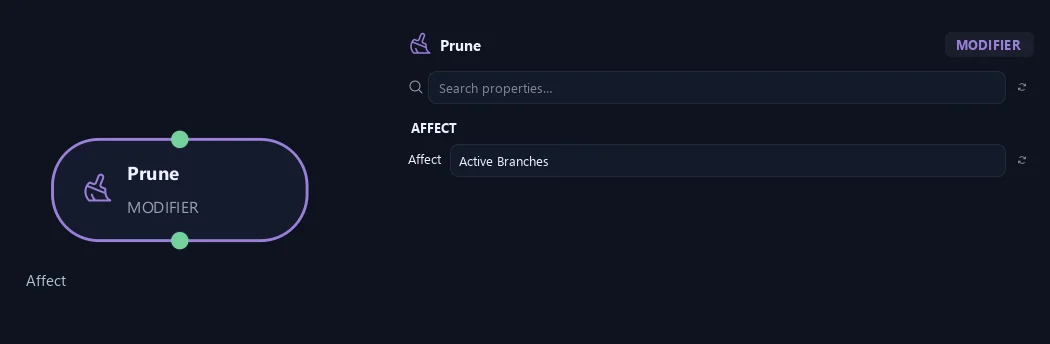
- Affect
Chooses which branches are affected. Active Branches uses the latest generated layer. Active + Descendants also includes growth from that layer. Active Generated Hierarchy additionally includes ancestors created by that same generated contribution. Entire Input uses everything arriving here. Attached children follow a moved parent even when they are not reshaped themselves.
Filters
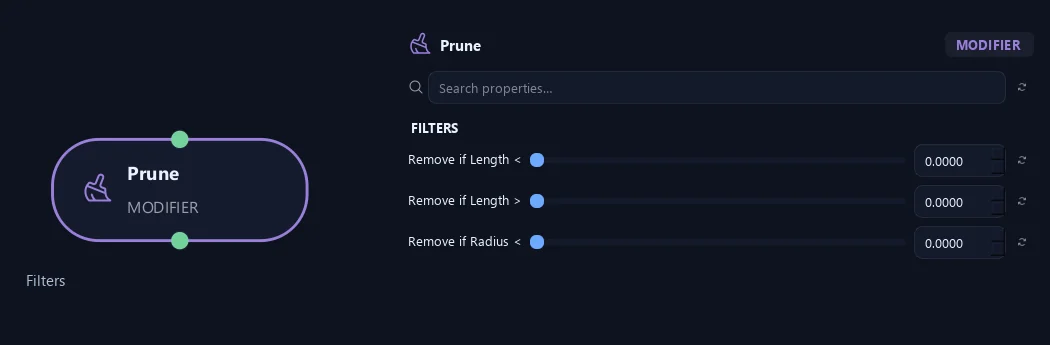
- Remove if Length <
Removes branches shorter than this length. Zero disables the filter.
- Remove if Length >
Removes branches longer than this length. Zero disables the filter.
- Remove if Radius <
Removes branches thinner than this radius along their entire length. Zero disables the filter.
What is ZenGrove used for?
The ZenGrove 1.0.0 reference: 52 nodes, 907 settings and short WebM demos. Explore Look At asset orientation, GameDynamics, joint previews, skeletal export and per-leaf random vertex colors. Requires AO.Hub 1.6.6 or later.
Which host application does ZenGrove support?
ZenGrove is built for Autodesk Maya and is distributed through AO Studio Tools.
Where can I download ZenGrove?
Download the current AO Studio Tools package from https://aostudio.tools/getthetools.html and install it through AO.Hub.