
ZenGrove
Built to move. Down to the last leaf.
Built to move. Down to the last leaf.
The ZenGrove 1.0.0 reference: 52 nodes, 907 settings and short WebM demos. Explore Look At asset orientation, GameDynamics, joint previews, skeletal export and per-leaf random vertex colors. Requires AO.Hub 1.6.6 or later.
Dynamics
Adds wind-driven motion with separate Amount, Sway and Bend controls for trunks, branches and twigs, independent leaf flutter and seamless loops. Build once, then play or scrub Maya’s timeline.
Branches
Branches
Connect the branch structure through Dynamics, build a preview and play or scrub Maya's timeline. Start with Wind Strength and Wind Speed, then adjust Amount, Sway and Bend separately for Trunk, Branches and Twigs. Leaves has independent Flutter Amount and Flutter Speed; enable Loop for a repeating cycle. Leaves inherit movement from their parents even when their own flutter is disabled.
Route the branch structure through Dynamics, build a preview and play or scrub Maya’s timeline. Start with Wind Strength and Wind Speed, then adjust Gust and Turbulence. Changes to built Dynamics parameters update compatible outputs; rebuild when the status requests Build Preview.
Trunk, Branches and Twigs each have an Affect switch plus Amount, Sway and Bend. Sway rotates the free shape around its attachment or surface-release point; Bend deforms along it. Amount scales both. Turn Bend down and Sway up for a stiffer swinging branch. Leaves have their own Flutter Amount and Flutter Speed and always inherit parent motion.
Enable Loop, choose Loop Frames and Start Frame, then build. At the default start of 1 and length of 150, frames 1 and 150 are identical and frame 151 continues with frame 2. The length includes the duplicate end pose. Use the same loop length on all active Dynamics layers for a simple shared cycle; a non-looping active layer prevents whole-output cycle reuse.
Enabled = Off, muting, or Wind Strength = 0 makes a layer inactive. When every Dynamics layer feeding a compatible built output is inactive, the output returns to its neutral pose and stops evaluating with the timeline. Re-enabling can reuse the compiled output when its structure and inputs are unchanged; otherwise use Build Preview as indicated by the status.
Open Settings → Acceleration for Use Python, Use CPU multithreading or Use GPU. The GPU submenu offers Automatic (prefer dedicated GPU) and available devices. GPU mode evaluates wind and obstacle collisions on the GPU while other supported kernels use CPU acceleration. Maya viewport settings are independent. An unavailable selection reports an error and keeps the previous setting.
Use Build Preview after changing generators, source geometry or graph connections. Animated output keeps a fixed mesh and foliage population; a moving spatial mask must not add or remove built leaves. Native Dynamics now supports hybrid Split junctions. Static foliage collision avoidance still requires Dynamics to be muted or disabled.
Use Dynamics for its Maya wind and leaf-flutter workflow. Use the separate GameDynamics node for skeletal wind, joint preview and skinned game export. Do not feed another active animation node into the same Output as GameDynamics.
Watch the Dynamics settings tour
Current Maya controls, including conditional settings. Each view stays on screen for one second (three views take three seconds); pause or choose a group to inspect it.
Setup
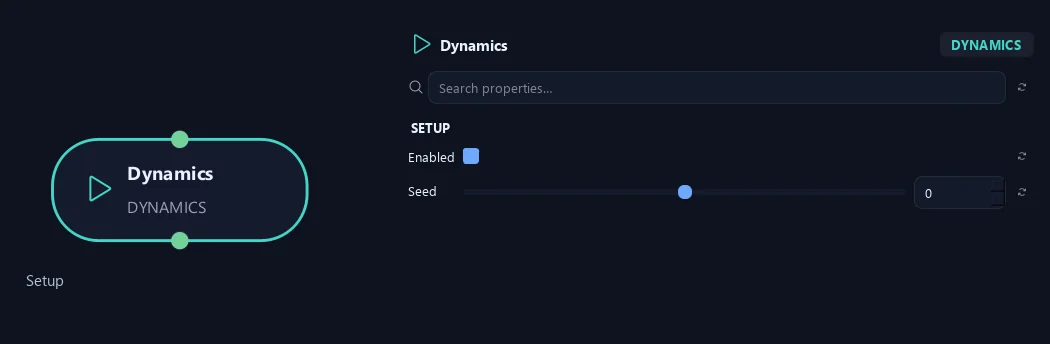
- Enabled
Turns this wind layer on or off without losing its settings. With all Dynamics layers inactive, a compatible built output returns to its neutral pose and stops following time; enable the layer again to resume.
- Seed
Changes variation in the wind motion. The same settings give repeatable motion at the same timeline time.
Global Wind
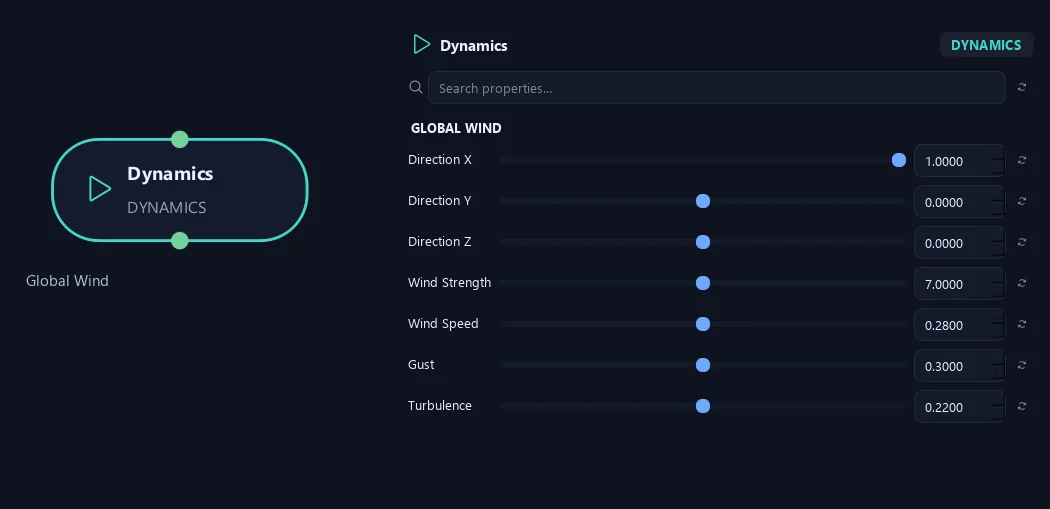
- Direction X
Sets the wind direction's X component. Positive and negative point toward opposite sides.
- Direction Y
Sets the wind direction's vertical component. Zero keeps a horizontal wind.
- Direction Z
Sets the wind direction's Z component. Combine it with X for diagonal wind.
- Wind Strength
Overall wind intensity in degrees. Scales local wood Sway and Bend as well as leaf Flutter Amount. Zero makes this Dynamics layer inactive; local Amount controls preserve their values.
- Wind Speed
Wind movement speed in cycles per second. Flutter Speed controls the leaves independently. With Loop enabled, frequencies fit whole cycles into the loop so the first and last poses match.
- Gust
Adds slow changes in wind intensity. Increase it for alternating quieter and stronger movement.
- Turbulence
Adds smaller, irregular variations to the wind. Increase it for a more restless crown.
Response
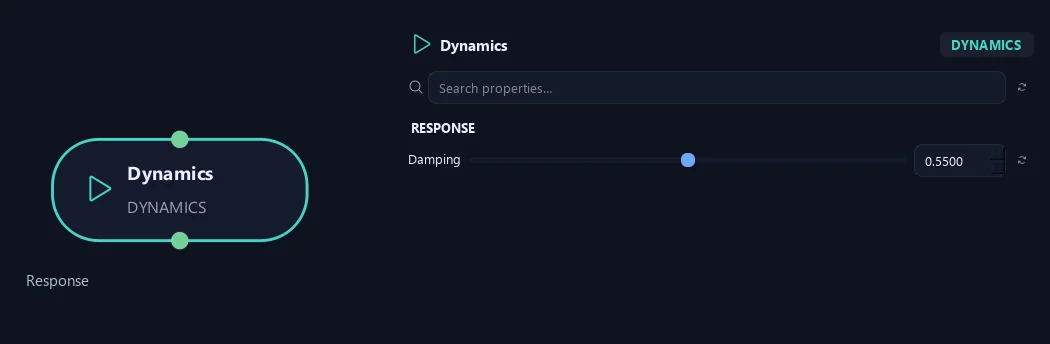
- Damping
Reduces Sway and Bend across Trunk, Branches and Twigs. Higher values give a more restrained response.
Trunk
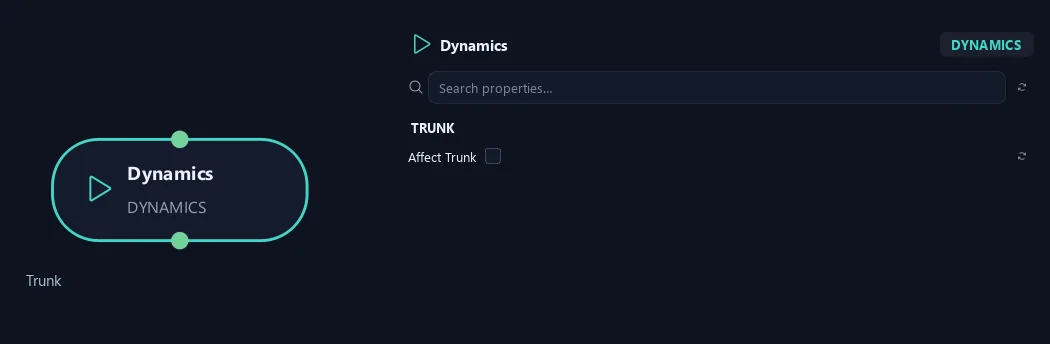
- Affect Trunk
Enables local wind movement on the trunk and reveals its Amount, Sway and Bend controls. Off by default.
Branches
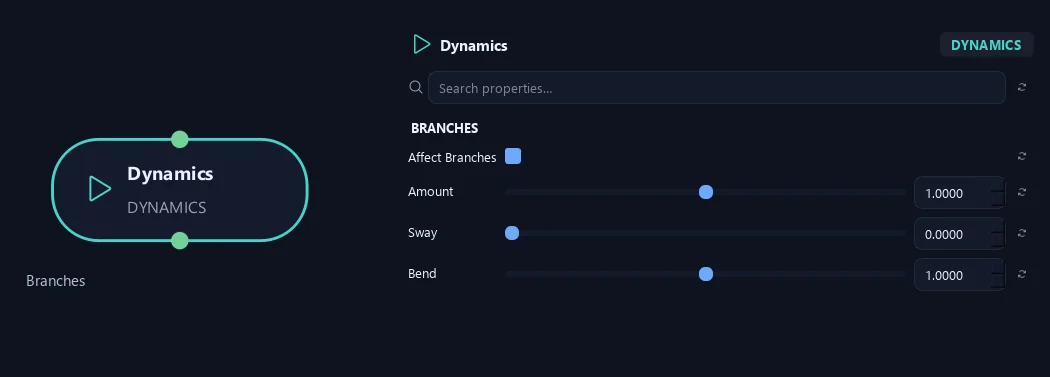
- Affect Branches
Enables local wind movement on branches and reveals their Amount, Sway and Bend controls. When off, branches still inherit movement from their parents.
- Amount
Multiplies local Sway and Bend for the branches. One uses the global wind intensity; zero disables local movement while retaining inherited parent motion.
Available when Affect Branches is On.
- Sway
Swings the branches around the attachment or Surface Attraction release point. Set Bend to zero to preserve the free shape while swaying. Zero disables this local swing.
Available when Affect Branches is On.
- Bend
Adds bending along the branches, independently of Sway. Zero preserves the incoming shape; one uses the standard bend response. Global Bend and Damping also affect the result.
Available when Affect Branches is On.
Twigs
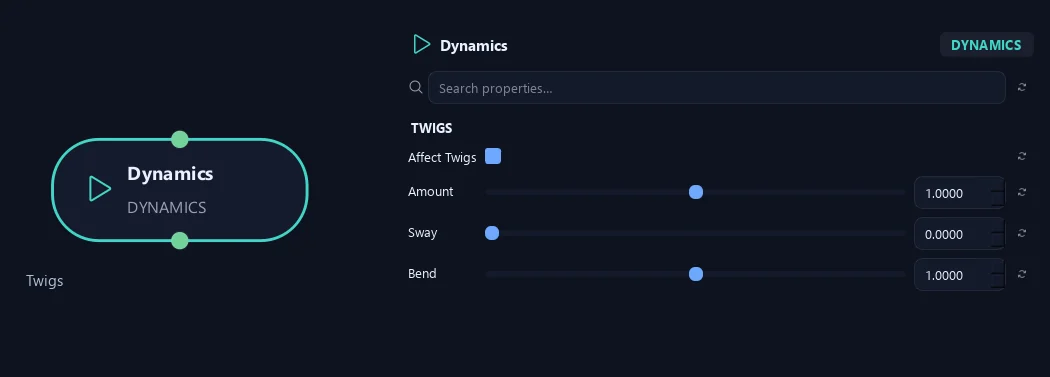
- Affect Twigs
Enables local wind movement on twigs and reveals their Amount, Sway and Bend controls. When off, twigs still inherit movement from their parents.
- Amount
Multiplies local Sway and Bend for the twigs. One uses the global wind intensity; zero disables local movement while retaining inherited parent motion.
Available when Affect Twigs is On.
- Sway
Swings the twigs around the attachment or Surface Attraction release point. Set Bend to zero to preserve the free shape while swaying. Zero disables this local swing.
Available when Affect Twigs is On.
- Bend
Adds bending along the twigs, independently of Sway. Zero preserves the incoming shape; one uses the standard bend response. Global Bend and Damping also affect the result.
Available when Affect Twigs is On.
Leaves
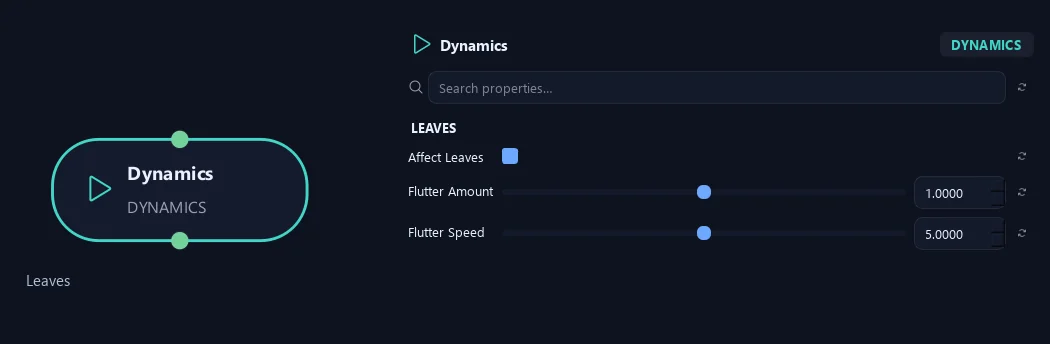
- Affect Leaves
Enables local leaf flutter and reveals Flutter Amount and Flutter Speed. When off, leaves still follow their parent branches.
- Flutter Amount
Amount of local leaf flutter, multiplied by Wind Strength. Zero removes local flutter while keeping movement inherited from the parent branch.
Available when Affect Leaves is On.
- Flutter Speed
Speed of local leaf flutter, independent of Wind Speed. With Loop enabled, flutter also repeats at the loop boundary.
Available when Affect Leaves is On.
Loop
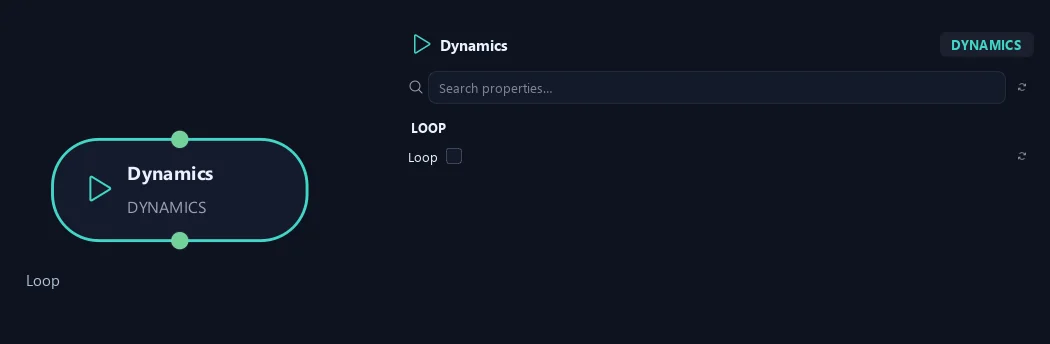
- Loop
Repeats wind and leaf flutter seamlessly. Reveals Loop Frames and Start Frame. Build the output to reuse the evaluated cycle during playback.
Advanced
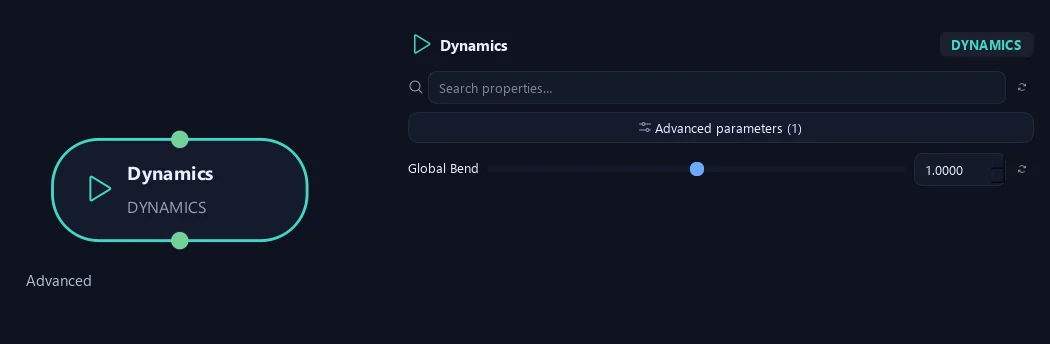
- Global Bend
Additional multiplier for wood Bend across all element groups. One uses each local Bend directly; zero removes local bending without removing Sway or leaf flutter.
Trunk
Shown example: Affect Trunk = On.
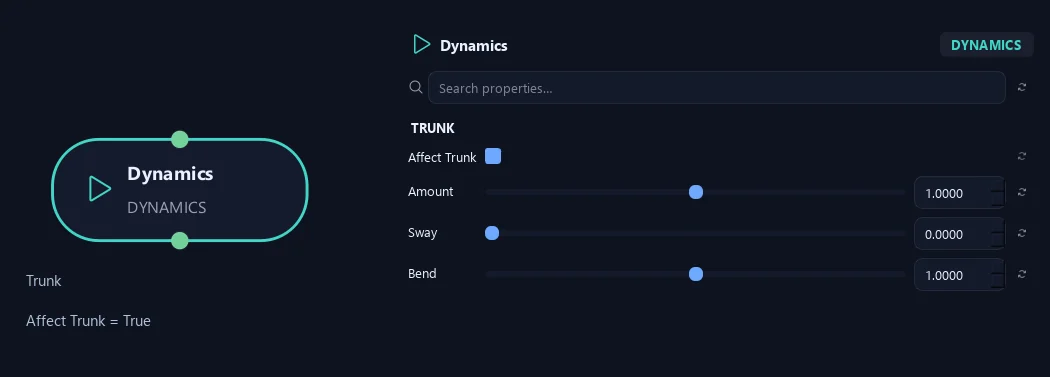
- Affect Trunk
Enables local wind movement on the trunk and reveals its Amount, Sway and Bend controls. Off by default.
- Amount
Multiplies local Sway and Bend for the trunk. One uses the global wind intensity; zero disables local movement while retaining inherited parent motion.
Available when Affect Trunk is On.
- Sway
Swings the trunk around the attachment or Surface Attraction release point. Set Bend to zero to preserve the free shape while swaying. Zero disables this local swing.
Available when Affect Trunk is On.
- Bend
Adds bending along the trunk, independently of Sway. Zero preserves the incoming shape; one uses the standard bend response. Global Bend and Damping also affect the result.
Available when Affect Trunk is On.
Loop
Shown example: Loop = On.
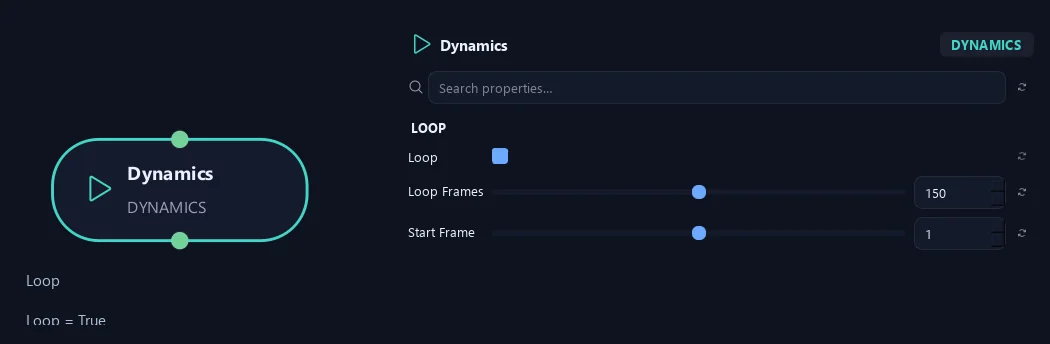
- Loop
Repeats wind and leaf flutter seamlessly. Reveals Loop Frames and Start Frame. Build the output to reuse the evaluated cycle during playback.
- Loop Frames
Length including the matching end pose, from 2 to 10,000 frames. With Start Frame 1 and Loop Frames 150, frames 1 and 150 match; frame 151 repeats frame 2. Use matching loop lengths on stacked Dynamics nodes for a shared cycle.
Available when Loop is On.
- Start Frame
Timeline frame used as the start of the repeating wind cycle. The matching end pose is Start Frame plus Loop Frames minus one.
Available when Loop is On.
What is ZenGrove used for?
The ZenGrove 1.0.0 reference: 52 nodes, 907 settings and short WebM demos. Explore Look At asset orientation, GameDynamics, joint previews, skeletal export and per-leaf random vertex colors. Requires AO.Hub 1.6.6 or later.
Which host application does ZenGrove support?
ZenGrove is built for Autodesk Maya and is distributed through AO Studio Tools.
Where can I download ZenGrove?
Download the current AO Studio Tools package from https://aostudio.tools/getthetools.html and install it through AO.Hub.