
ZenGrove
Built to move. Down to the last leaf.
Built to move. Down to the last leaf.
The ZenGrove 1.0.0 reference: 52 nodes, 907 settings and short WebM demos. Explore Look At asset orientation, GameDynamics, joint previews, skeletal export and per-leaf random vertex colors. Requires AO.Hub 1.6.6 or later.
Collision
Steers the current branch shape around Maya meshes. Use it after shaping nodes, leave a surface gap, or attract growth along an obstacle for vines and ivy.
Branches
Branches
Put Collision after the shaping nodes to be checked: Branch → Curl / Sag / Bend → Collision → Output. A later shape change can create another overlap. Closed Maya meshes are solid obstacles, while open meshes act as two-sided surfaces.
Move Embedded Roots allows branch starts to move out of obstacles; it defaults off to preserve authored attachments. Surface Attraction can guide growth along terrain. Self Collision checks other branch structures separately. Chaining both solvers does not guarantee both remain clear, so inspect their combined result.
Watch the Collision settings tour
Current Maya controls, including conditional settings. Each view stays on screen for one second (three views take three seconds); pause or choose a group to inspect it.
Affect
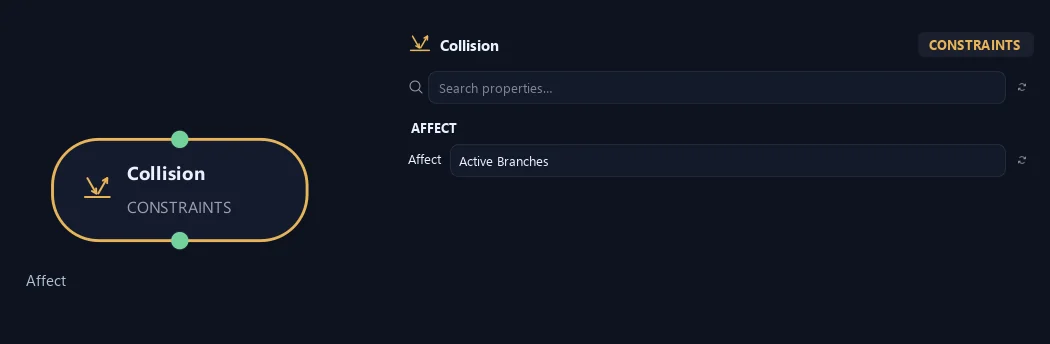
- Affect
Chooses which branches are affected. Active Branches uses the latest generated layer. Active + Descendants also includes growth from that layer. Active Generated Hierarchy additionally includes ancestors created by that same generated contribution. Entire Input uses everything arriving here. Attached children follow a moved parent even when they are not reshaped themselves.
Input
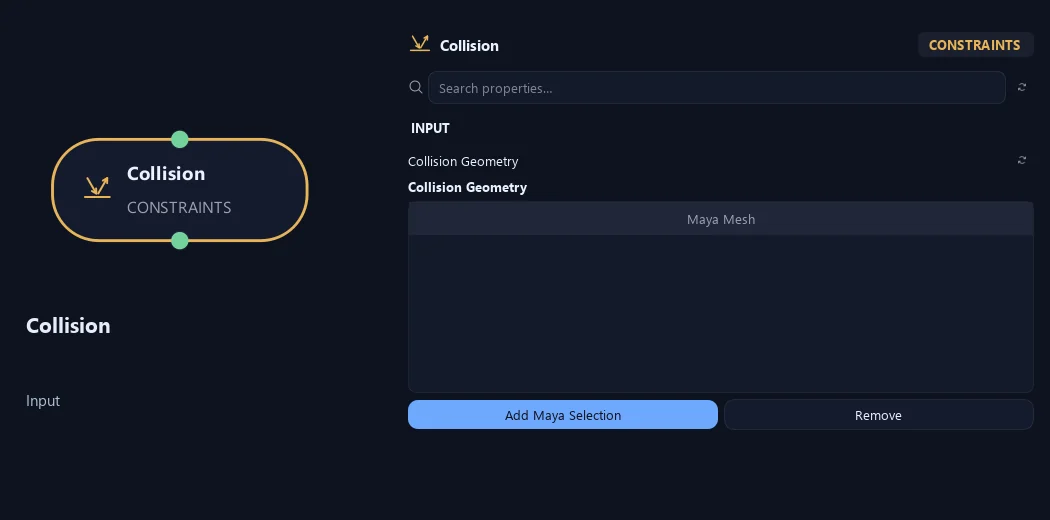
- Collision Geometry
Add Maya Selection adds polygon meshes as obstacles; Remove takes selected entries out of the list. Closed meshes act as solid volumes, including points deep inside. Open meshes work as surfaces that can be approached from either side.
Deformation
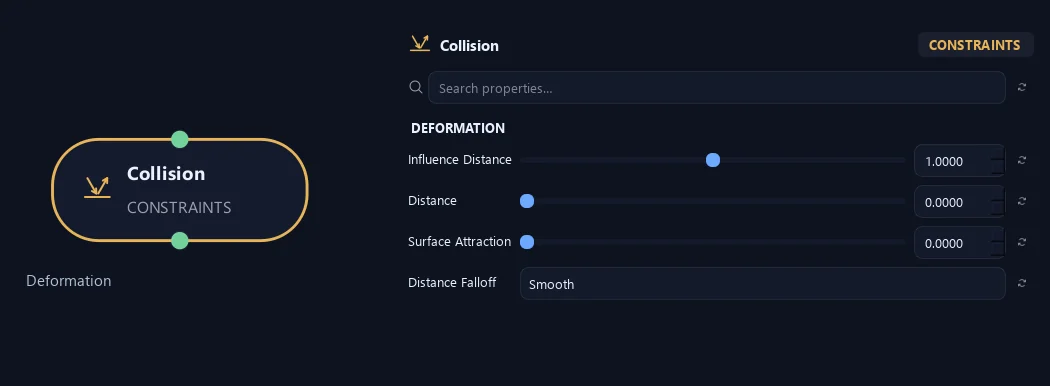
- Influence Distance
Sets how early branches begin turning before an obstacle. Larger values make the approach more gradual.
- Distance
Adds a gap between branch surface and obstacle in scene units.
- Surface Attraction
Pulls growth toward an obstacle while letting it travel along the surface, useful for climbing plants.
- Distance Falloff
Constant keeps influence even across the range. Linear fades evenly with distance. Smooth gives a softer fade.
Response
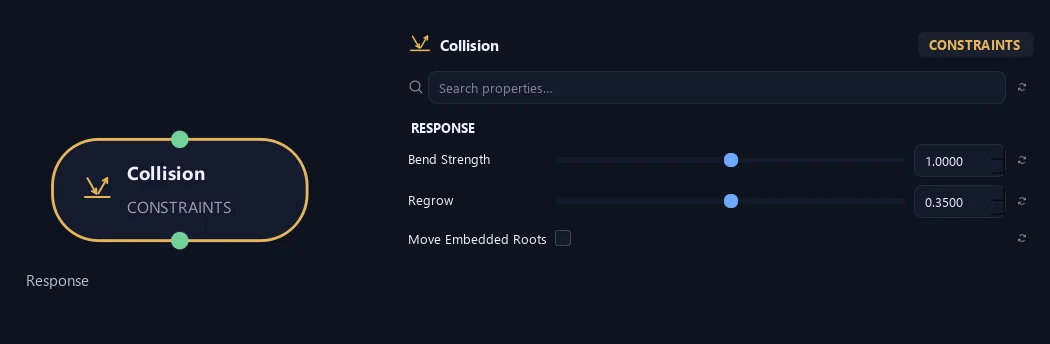
- Bend Strength
Sets how strongly branches turn away from collision surfaces.
- Regrow
Controls how quickly a branch returns toward the shape arriving at this node after clearing an obstacle. This includes earlier Curl, Sag, Bend and force shaping. Zero keeps the collision-adjusted direction; one returns immediately.
- Move Embedded Roots
Allows a branch's starting point to move out of a closed obstacle and its required surface gap. Off keeps that attachment fixed, even if it begins inside the obstacle. Distance and branch thickness are included in the clearance.
Advanced
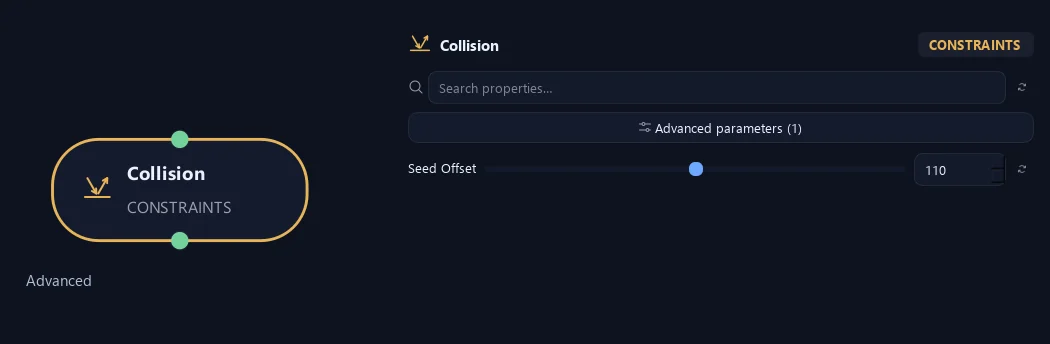
- Seed Offset
Changes this node's random variation. Keep the seed and settings unchanged to reproduce the same result.
What is ZenGrove used for?
The ZenGrove 1.0.0 reference: 52 nodes, 907 settings and short WebM demos. Explore Look At asset orientation, GameDynamics, joint previews, skeletal export and per-leaf random vertex colors. Requires AO.Hub 1.6.6 or later.
Which host application does ZenGrove support?
ZenGrove is built for Autodesk Maya and is distributed through AO Studio Tools.
Where can I download ZenGrove?
Download the current AO Studio Tools package from https://aostudio.tools/getthetools.html and install it through AO.Hub.