
ZenGrove
Built to move. Down to the last leaf.
Built to move. Down to the last leaf.
The ZenGrove 1.0.0 reference: 52 nodes, 907 settings and short WebM demos. Explore Look At asset orientation, GameDynamics, joint previews, skeletal export and per-leaf random vertex colors. Requires AO.Hub 1.6.6 or later.
Asset Scatter
Places reusable assets along branches with count or density profiles, independent length, width and thickness, pivot alignment and optional static overlap avoidance.
Branches · Assets
Growth
Asset Scatter uses local Y for Length, X for Width and Z for Thickness. These multiply uniform Scale and have independent randomness and base-to-tip profiles. Leaves uses a different axis convention, so use the node that matches your source asset.
Distribution Profile redistributes Count; Density Profile changes local density. Avoid Asset Collision participates in the same combined Output check as leaf avoidance. It rotates around existing pivots and uses conservative source boxes. Choose Skip or Keep for unresolved overlaps; active Dynamics requires avoidance to be disabled.
Watch the Asset Scatter settings tour
Current Maya controls, including conditional settings. Each view stays on screen for one second (three views take three seconds); pause or choose a group to inspect it.
Affect
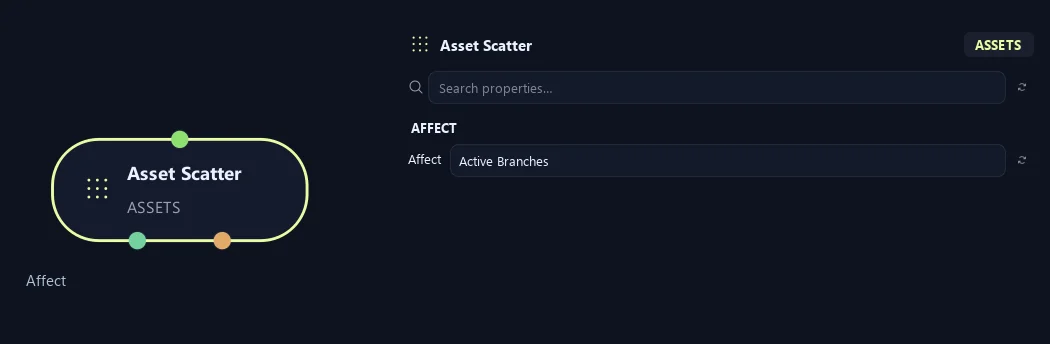
- Affect
Chooses which branches are affected. Active Branches uses the latest generated layer. Active + Descendants also includes growth from that layer. Active Generated Hierarchy additionally includes ancestors created by that same generated contribution. Entire Input uses everything arriving here. Attached children follow a moved parent even when they are not reshaped themselves.
Setup
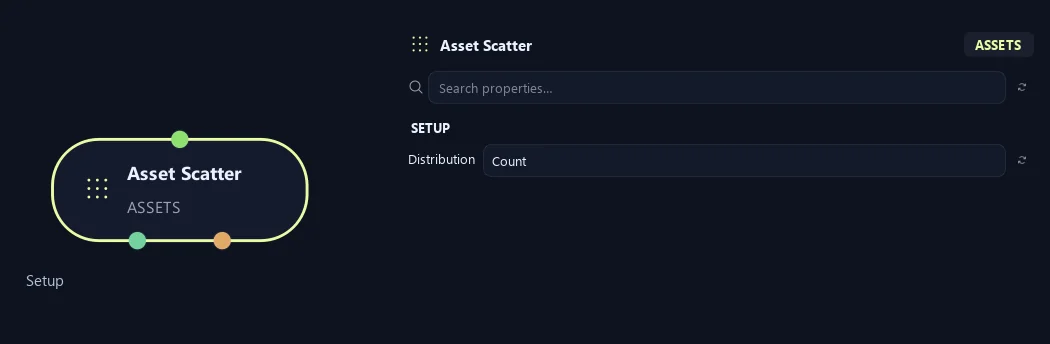
- Distribution
Count uses a total placement count. Density uses placements per unit of eligible branch length.
Generation
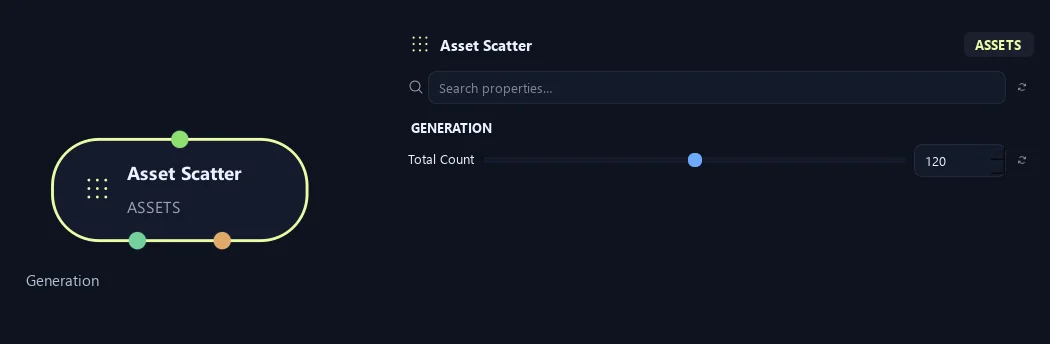
- Total Count
Sets total placements across affected branches in Count mode.
Available when Distribution is Count.
Distribution (1)
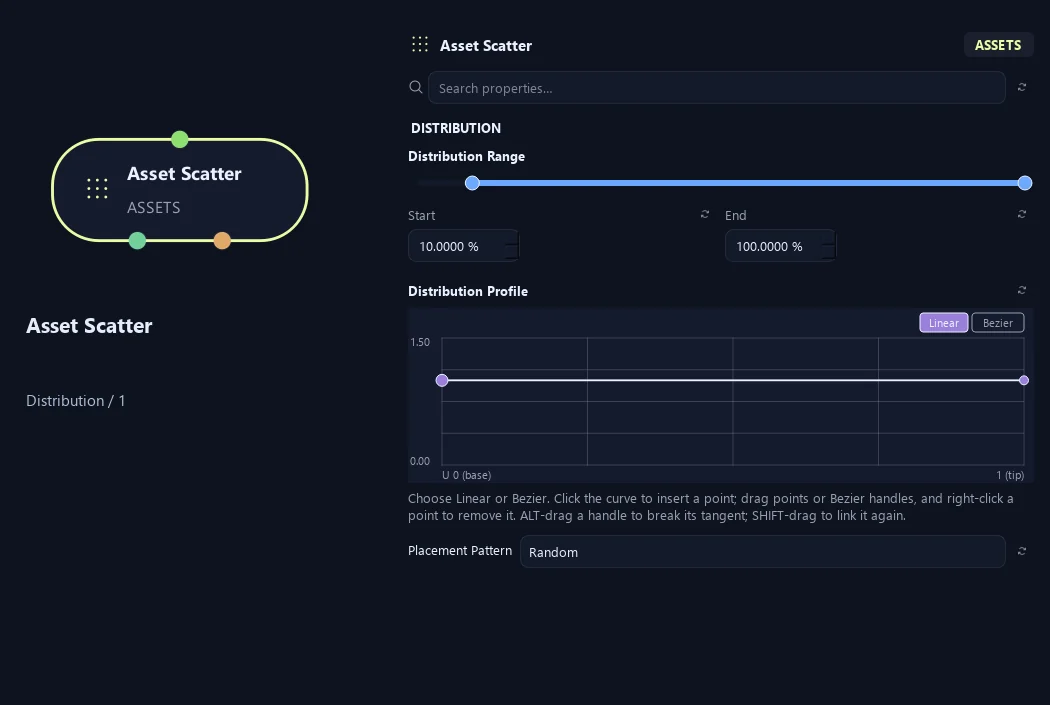
- Distribution Range — Start %
Sets where placement begins on the parent. Zero is the base and one is the tip; the range slider displays percentages.
- Distribution Range — End %
Sets where placement ends. Together with Start, this defines the Distribution Range.
- Distribution Profile
Redistribute the requested Count along the carrier without thinning it. Base 0, tip 1. Flat and all-zero curves retain ordinary placement.
Available when Distribution is Count.
- Placement Pattern
Random distributes around the branch. Parallel creates opposing pairs at one height. Alternating uses successive heights on opposing sides.
Distribution (2)
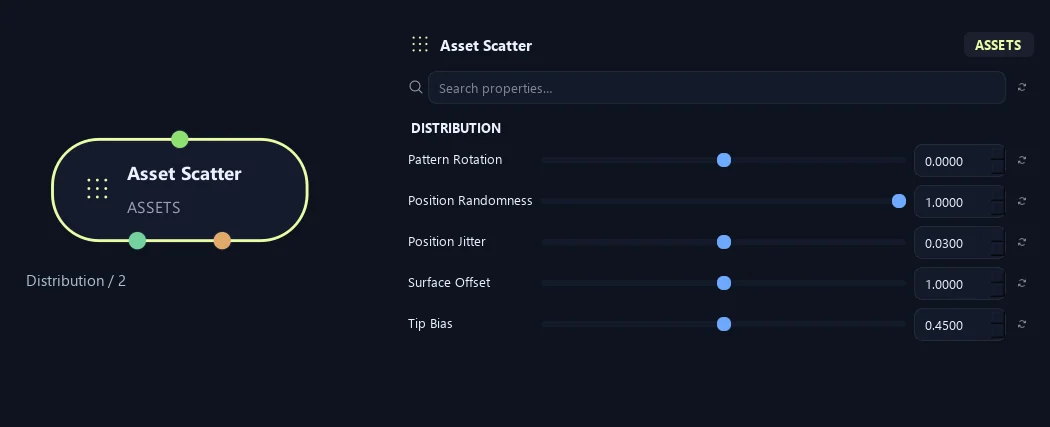
- Pattern Rotation
Rotates the placement pattern around the branch.
- Position Randomness
Randomly turns each pattern while preserving pairs and alternation.
- Position Jitter
Loosens spacing along the parent while keeping paired sites together.
- Surface Offset
Moves pivots from the branch center toward its surface. Zero uses the centerline; one reaches the surface.
- Tip Bias
Biases placement toward branch tips. Increase it for more detail near the outer crown.
Orientation (1)
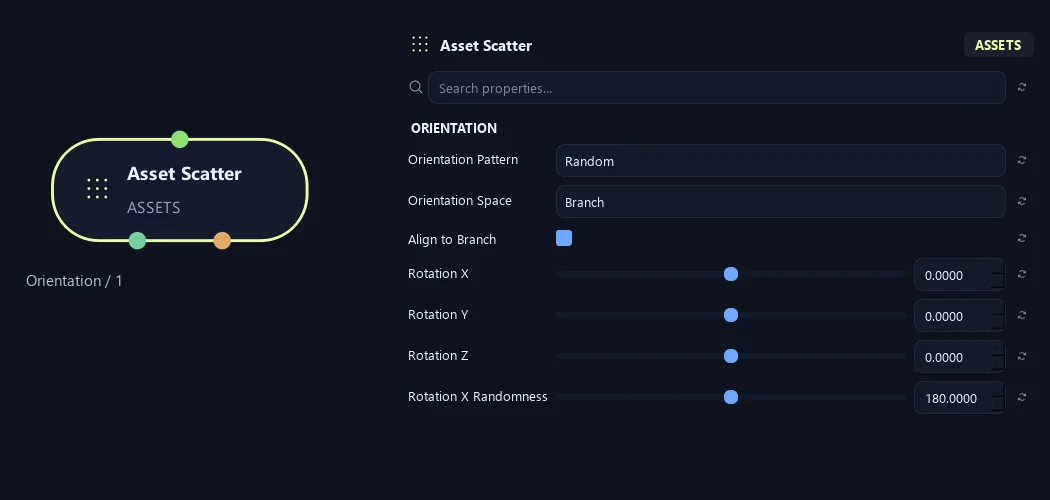
- Orientation Pattern
Random allows free orientation. Parallel keeps one local orientation. Alternating flips every second asset 180 degrees around its local Y axis.
- Orientation Space
Branch follows the parent direction. Ground keeps the asset growth axis along the horizontal ground plane.
- Align to Branch
Aligns assets to the supporting branch before additional rotations.
- Rotation X
Rotates assets around local X.
- Rotation Y
Rotates assets around local Y.
- Rotation Z
Rotates assets around local Z.
- Rotation X Randomness
Adds random local X rotation.
Orientation (2)
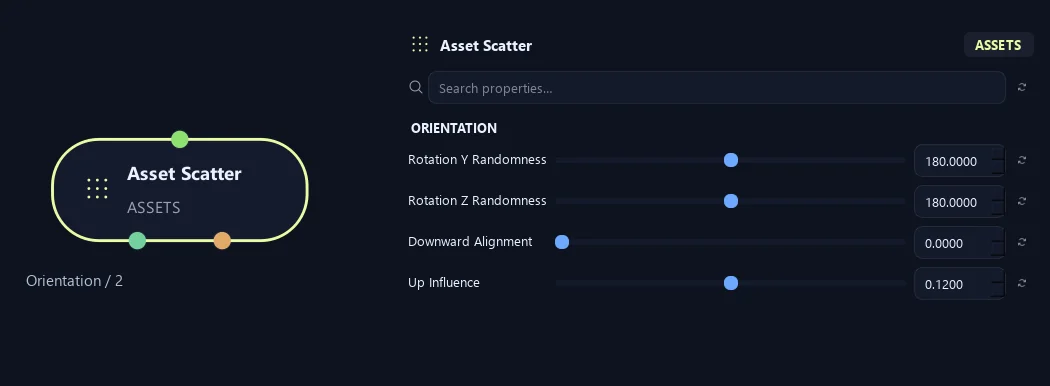
- Rotation Y Randomness
Adds random local Y rotation.
- Rotation Z Randomness
Adds random local Z rotation.
- Downward Alignment
Turns assets toward world down without bending supporting branches.
- Up Influence
Biases the growing direction upward. Negative values bias it downward.
Scale (1)
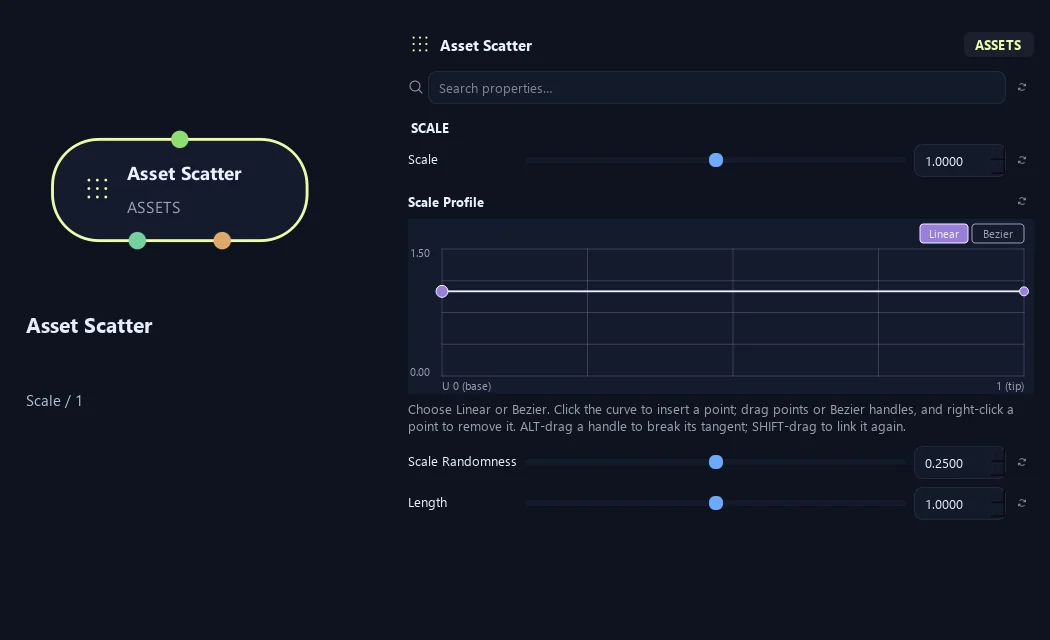
- Scale
Scales the asset or generated child uniformly. One keeps its size; 0.5 halves it.
- Scale Profile
Multiplies asset size across the distribution range. Left is Start and right is End. One keeps size; zero reduces it to nothing at that point.
- Scale Randomness
Varies size between placements. Zero keeps one scale multiplier.
- Length
Length multiplier on the authored asset local Y axis, in addition to uniform Scale.
Scale (2)
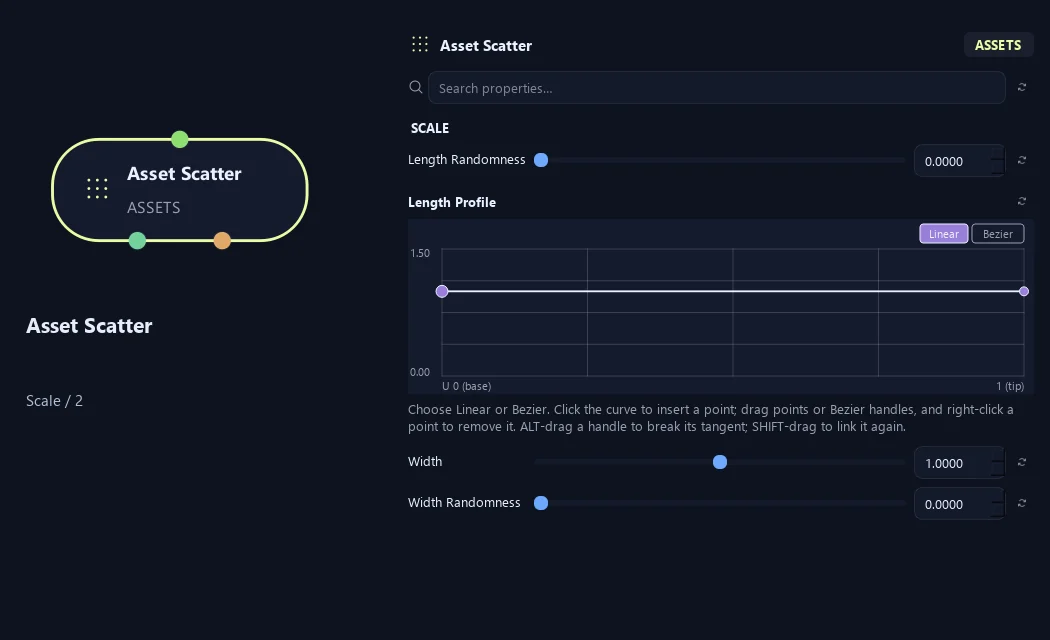
- Length Randomness
Adds independent, seeded plus/minus variation to asset length. A value of 0.25 varies this dimension by up to 25% without changing placement or asset selection.
- Length Profile
Length multiplier along the carrier, base 0 to tip 1.
- Width
Width multiplier on the authored asset local X axis, in addition to uniform Scale.
- Width Randomness
Adds independent, seeded plus/minus variation to asset width. A value of 0.25 varies this dimension by up to 25% without changing placement or asset selection.
Scale (3)
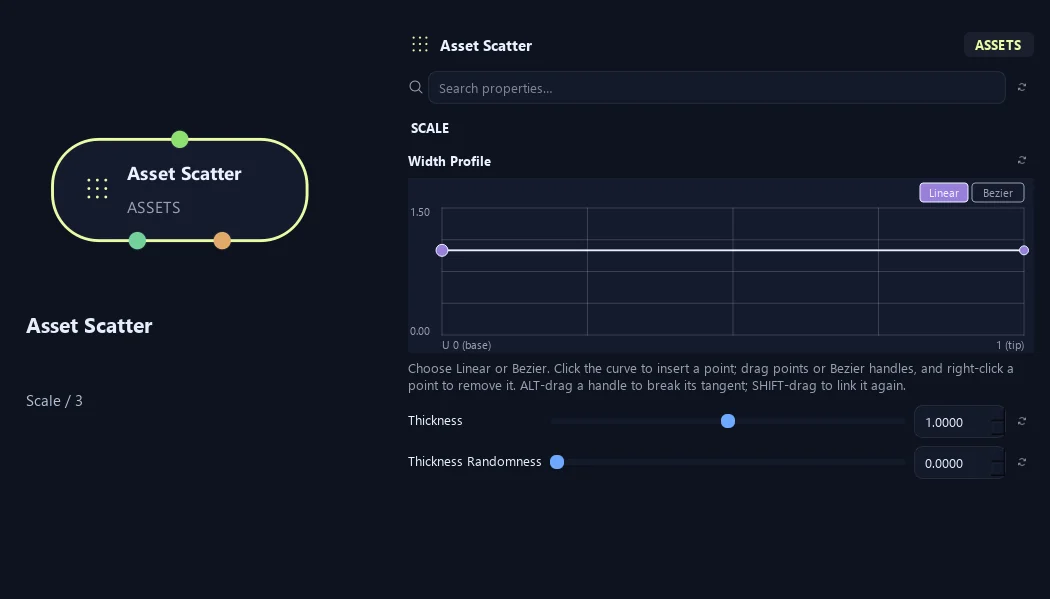
- Width Profile
Width multiplier along the carrier, base 0 to tip 1.
- Thickness
Thickness multiplier on the authored asset local Z axis, in addition to uniform Scale.
- Thickness Randomness
Adds independent, seeded plus/minus variation to asset thickness. A value of 0.25 varies this dimension by up to 25% without changing placement or asset selection.
Scale (4)
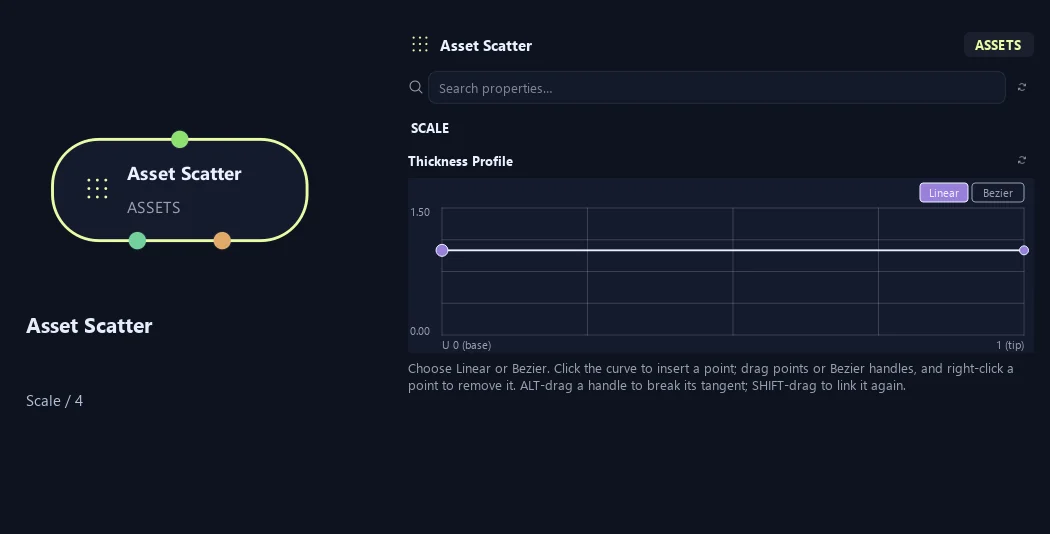
- Thickness Profile
Thickness multiplier along the carrier, base 0 to tip 1.
Collision
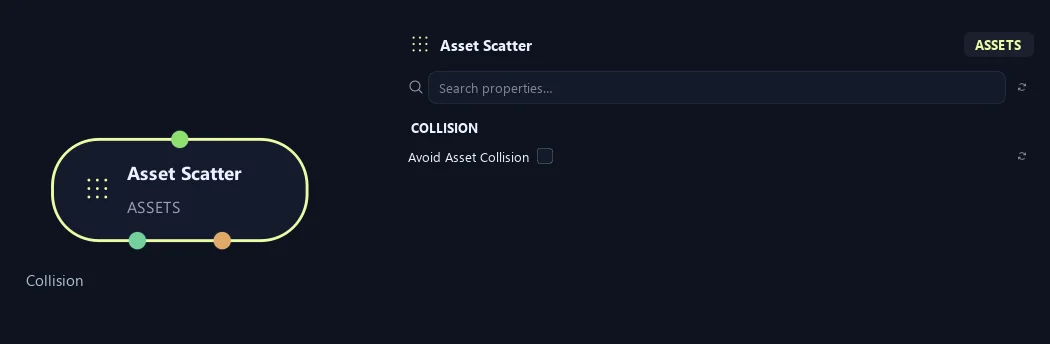
- Avoid Asset Collision
Resolve leaf overlaps across all foliage at Output. Static builds only; mute Dynamics before enabling.
Advanced
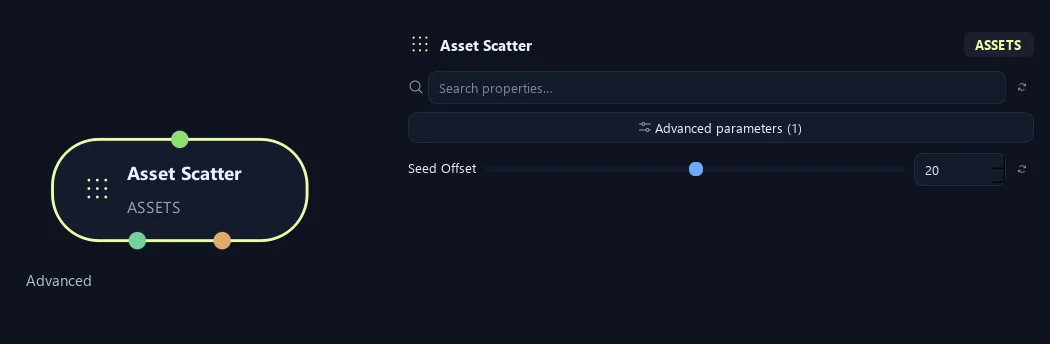
- Seed Offset
Changes this node's random variation. Keep the seed and settings unchanged to reproduce the same result.
Generation
Shown example: Distribution = Density.
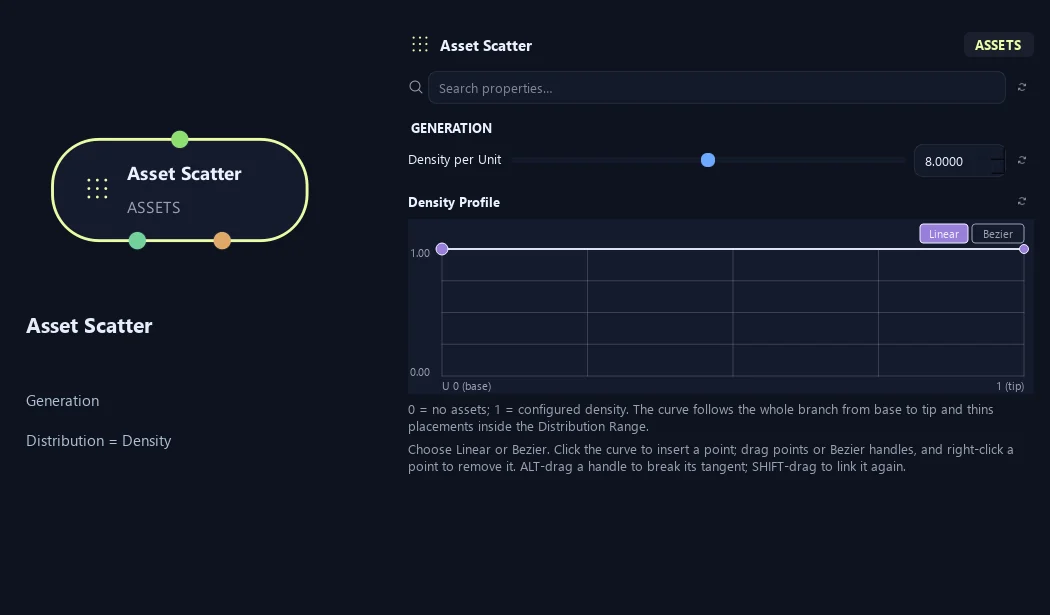
- Density per Unit
Sets placements per unit of eligible branch length. Longer branches receive more.
Available when Distribution is Density.
- Density Profile
Local density from branch base (0) to tip (1), within the Distribution Range. 0 removes assets; 1 keeps the configured Density per Unit.
Available when Distribution is Density.
Collision
Shown example: Avoid Asset Collision = On.
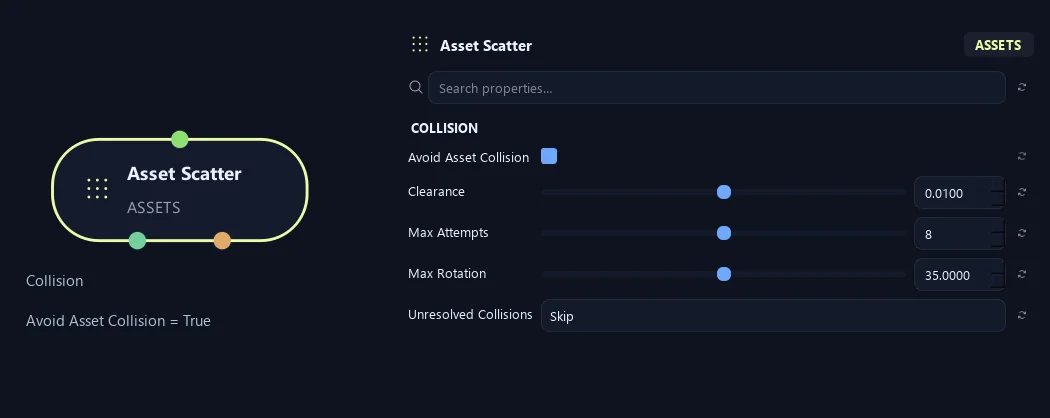
- Avoid Asset Collision
Resolve leaf overlaps across all foliage at Output. Static builds only; mute Dynamics before enabling.
- Clearance
Minimum space between leaf proxy boxes, in scene units.
Available when Avoid Asset Collision is On.
- Max Attempts
Maximum extra rotations per overlapping leaf. Zero only filters overlaps.
Available when Avoid Asset Collision is On.
- Max Rotation
Maximum correction around the unchanged attachment pivot, in degrees.
Available when Avoid Asset Collision is On.
- Unresolved Collisions
Skip omits leaves that cannot fit. Keep retains them and reports remaining overlaps.
Available when Avoid Asset Collision is On.
What is ZenGrove used for?
The ZenGrove 1.0.0 reference: 52 nodes, 907 settings and short WebM demos. Explore Look At asset orientation, GameDynamics, joint previews, skeletal export and per-leaf random vertex colors. Requires AO.Hub 1.6.6 or later.
Which host application does ZenGrove support?
ZenGrove is built for Autodesk Maya and is distributed through AO Studio Tools.
Where can I download ZenGrove?
Download the current AO Studio Tools package from https://aostudio.tools/getthetools.html and install it through AO.Hub.